
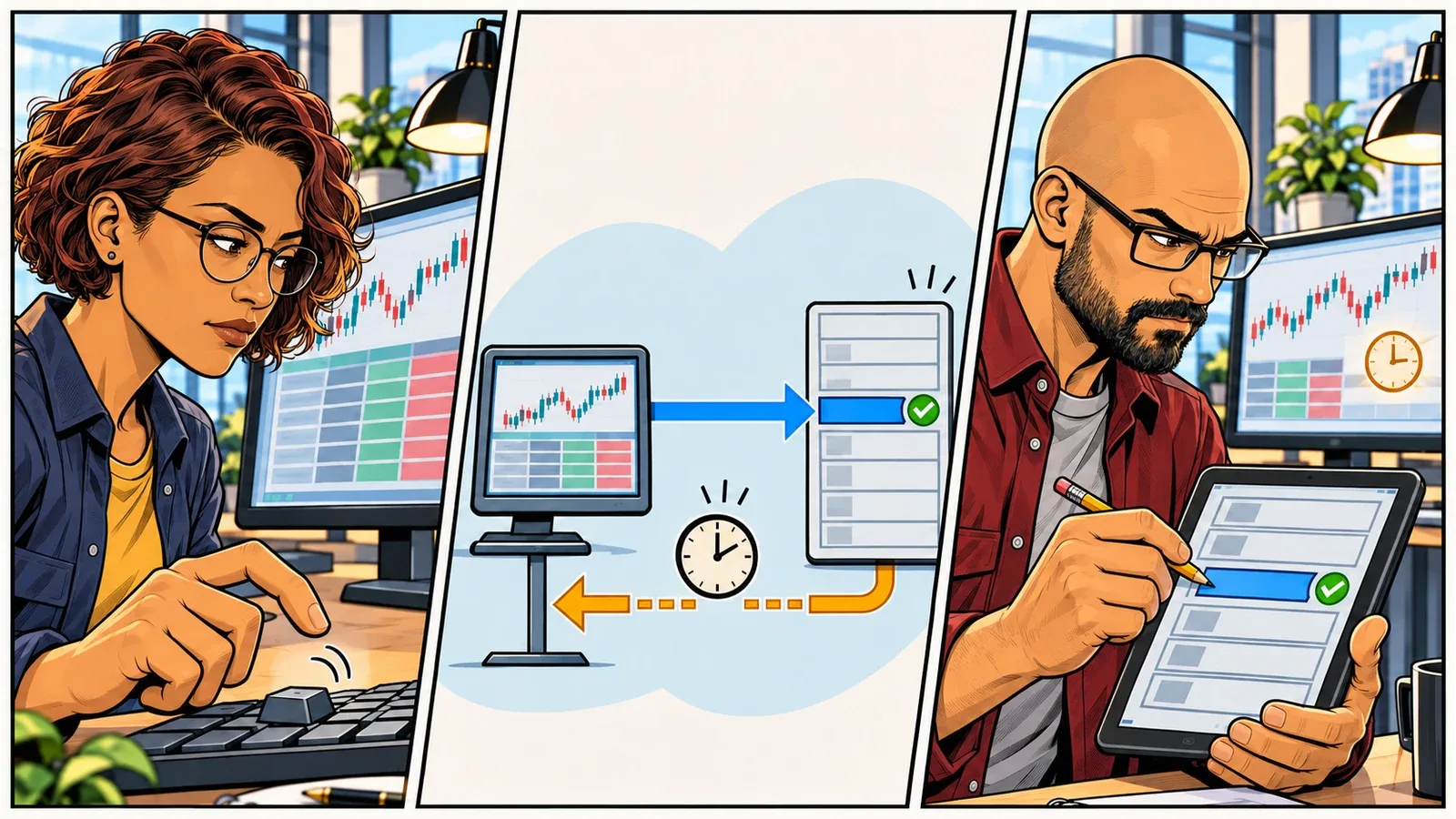
You click Buy. The order ticket waits. Then an error appears.
No confirmation. No fill marker. The market has moved, and the button is still there.
Clicking again feels reasonable. You asked the platform to do something, it appeared not to do it, and you would still like the trade. But the first order may have reached the broker. It may already have filled.
Now put that platform on a VPS. Did the trading application lose its connection, or did you lose the remote desktop showing it? Those can feel identical from your chair. They are very different events on the server.
This is where infrastructure becomes more than a processor specification or a low ping. Where the platform runs, which connections it depends on, and what survives an interruption all affect your ability to keep trading with a clear account picture.
Start by separating the things your screen makes look like one system.
Which Connection Did You Lose?
In a typical Windows trading VPS setup, NinjaTrader, MetaTrader, or another desktop platform runs on the hosted server. Remote Desktop Protocol, or RDP, lets your own computer display and control that Windows session. The platform connects to its broker from the VPS, not through the remote desktop on your laptop.
There are two separate connections to consider:
- Your device to the VPS: the remote access connection carrying the desktop display, keyboard input, and mouse actions.
- The VPS to the broker or data provider: the trading connections carrying market data, order requests, and account updates. These may themselves use separate services.
If your home internet drops, you can lose the first connection while the second remains intact. Microsoft documents that a disconnected Remote Desktop session can remain running on the server.1 The platform may still be receiving prices and managing its strategy while your laptop shows an unhelpful frozen picture.
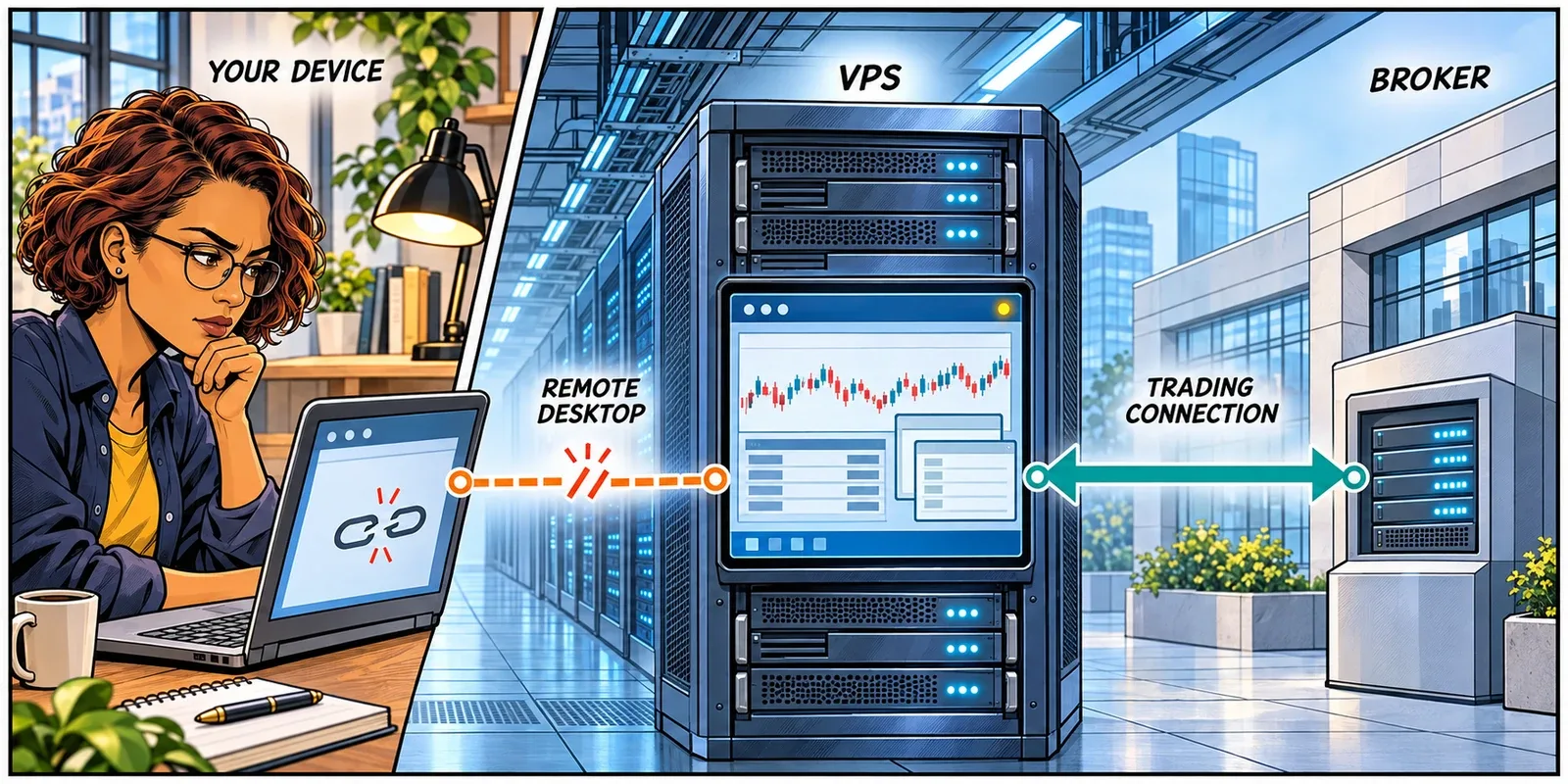
That separation is a practical reason to host trading software away from the computer you carry around. A problem with your local Wi-Fi need not also become a break in the platform’s broker connection. You still need access to supervise or intervene; the point is that losing your view need not stop the work.
Disconnecting is not signing out. Signing out ends the Windows user session. Session policies can also end a disconnected session after a configured interval.2 Have support confirm the intended behaviour for your setup rather than assuming the platform will stay running under every policy.
This distinction also changes the first troubleshooting question. Can you still interact with Windows inside the remote session? Is only the trading application unresponsive? Does its log report a broker disconnect? Those observations narrow the investigation. None, alone, establishes whether a particular order filled.
Losing your view of the server is not the same as losing the server’s connection to the market.
A Timeout Is Not a Rejection
An order submission and its acknowledgement travel in opposite directions. The request goes out; a report comes back. The application can stop waiting for that report without the receiving system undoing the instruction.
The request might never have arrived. It might have been rejected, accepted and left working, or filled before the reply was lost or delayed. A timeout does not distinguish those outcomes.
Binance’s Spot API provides a clear documented example. After its processing timeout of 10 seconds, it can report an unknown execution status. Binance explicitly warns that this does not necessarily mean the request failed at the matching engine, and directs users to query the order if its status has not appeared in the account update stream.3
That is a rule for that API, not a universal ten-second waiting period after which it is safe to try again.
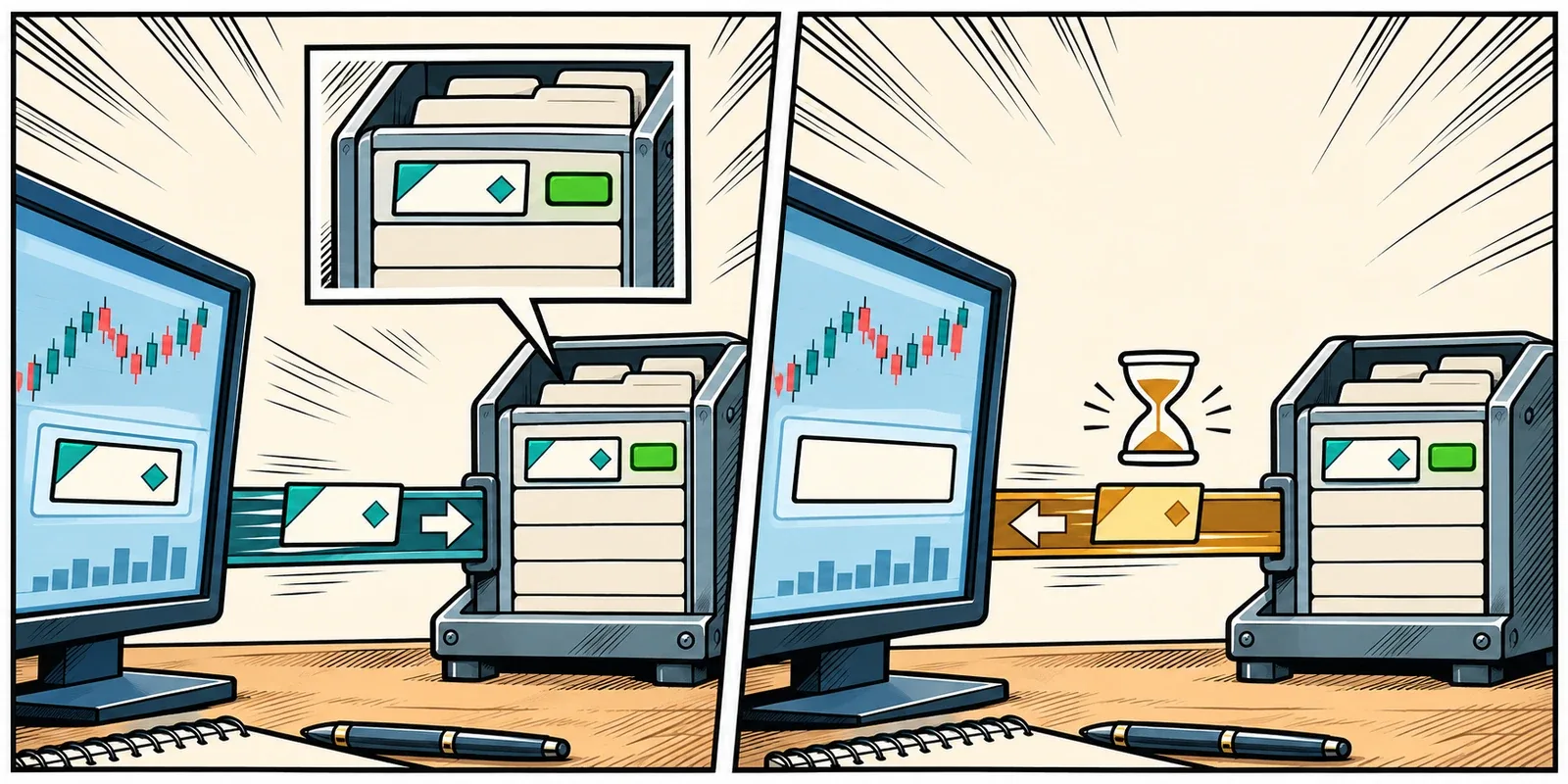
The infrastructure implication is worth understanding: a timeout is an observation, not a diagnosis. The cause could involve the application, connectivity, or the receiving service. A faster VPS is useful when processing capacity is the constraint. It cannot remove a broker-side processing delay.
A frozen remote desktop is less specific still. You may simply be looking at the last screen update your own computer received. Before treating either symptom as an order failure, establish which part of the path stopped responding.
A missing reply tells you what the platform does not know. It does not tell you what the broker did.
The Second Click Can Be a Second Order
Consider a hypothetical futures account that starts flat. You intend to buy one contract.
The order fills, but the confirmation does not reach the platform. You submit another one-contract buy. If that request is accepted as a new order and also fills, you are now long two contracts: 100% more exposure than intended.
No new trading decision was made. The extra exposure came from trying to resolve a technical uncertainty with another trade.
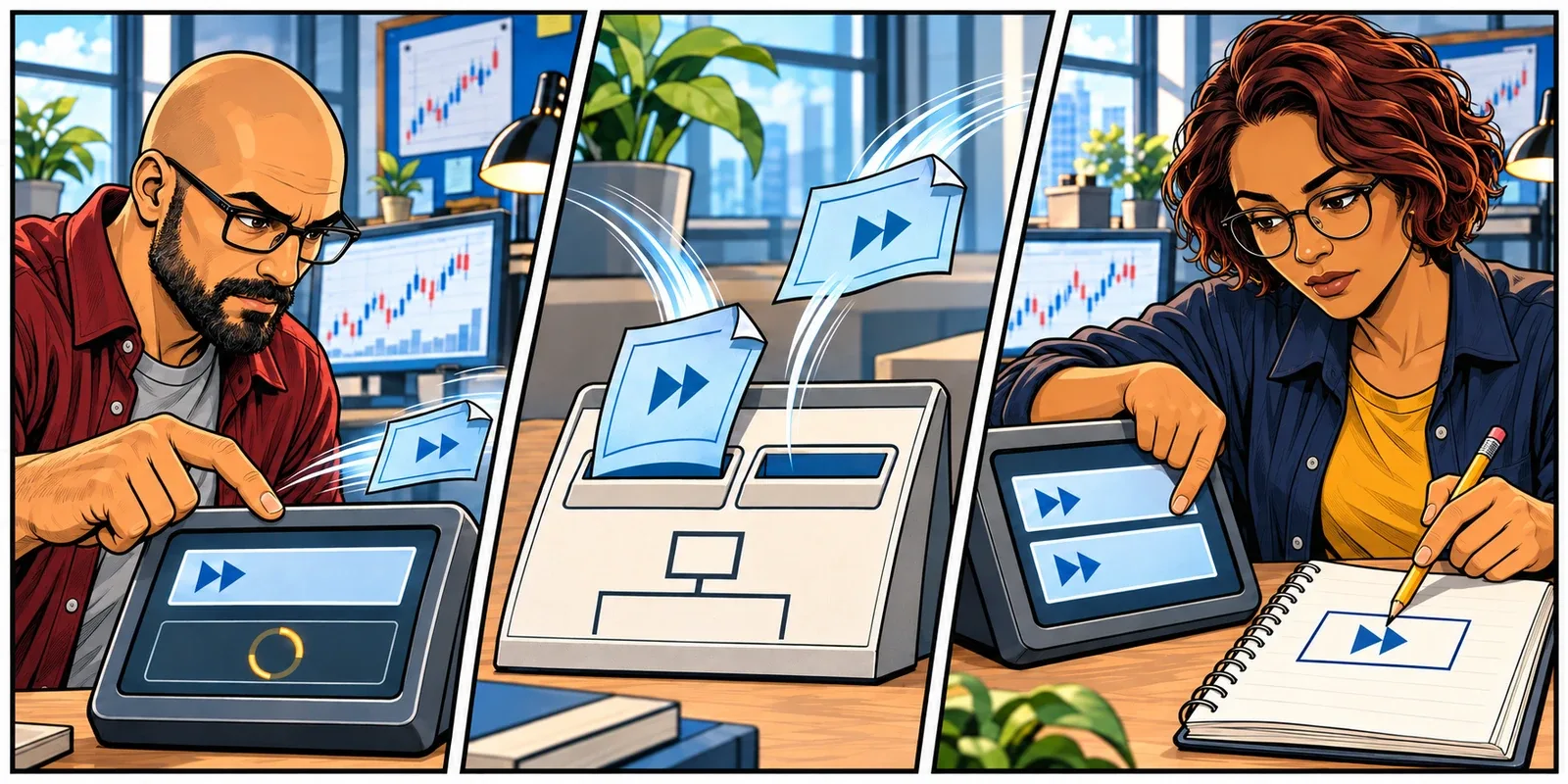
Alpaca’s timeout guidance warns that an order may already have been routed to market. It tells users not to resend it or treat it as canceled without confirmation from its support or trading team, and points to the broker dashboard as a place to investigate.4
Automation faces the same problem. A retry should follow the broker’s documented rules and preserve a way to identify the original request. Restarting a bot that forgets its unresolved order can create another opportunity for duplication.
This is why maintaining a running platform and its working state has value beyond convenience. An unnecessary restart turns one investigation into two: what happened to the order, and what the restarted software now believes happened.
Retrying the request can change the position. It does not merely refresh the answer.
Where Better Infrastructure Earns Its Keep
The useful argument for trading infrastructure starts before the error message. How much can you remove from the list of things likely to interrupt the platform, and how well can you investigate what remains?
Keep the Platform Independent of Your Desk
Running the trading application on a VPS separates its operating environment from your laptop’s battery, local sleep settings, and home connection. When configured to keep the session active, the hosted application can continue without a connected remote desktop.2
For an automated strategy, that can preserve the running process through a local interruption. For a discretionary trader, it can preserve the workspace and broker connection while access is restored. Neither replaces an independent way to check the account when you cannot reach the desktop.
This is a more useful hosting benefit than simply being able to open Windows from another device.
Leave Capacity for the Trading Workload
Market opens do not wait for a workspace to finish catching up. More incoming ticks, chart calculations, and background research can arrive at the same time.
NinjaTrader identifies feed characteristics, workspace size, hardware capability, settings, and third-party scripts as performance factors.5 Its rendering-delay guidance describes charts falling behind when scripts cannot keep up with the calculation load.6 A working network connection does not resolve that bottleneck.
The practical response is to size and test the server around the live workload, including its busiest periods. Look at individual CPU cores as well as overall usage, check memory pressure, and avoid letting a research job consume the resources the live workspace needs. A chart delay does not prove an order delay, but it is a reason to investigate processing rather than blame the route automatically.
Give the Hosted Connection More Than One Path
Placement and network design address a different part of the problem. Choose the VPS location around the broker’s trading endpoint, then examine route quality and redundancy, not just the best ping result in a quiet minute.
At ChartVPS, we use exchange-adjacent locations, multiple transit providers, and Border Gateway Protocol (BGP) routing as part of that design.7 BGP lets networks select routes; alternate available paths reduce dependence on a single carrier. A route change can still interrupt an existing connection. Redundancy is useful because it provides alternatives, not because it makes every session immune to disruption.
Make Interruptions Explainable
Record the time an issue began. Then compare the platform log with resource usage, process events, and server restarts. A busy CPU, a stopped application, and a Windows restart call for different investigations.
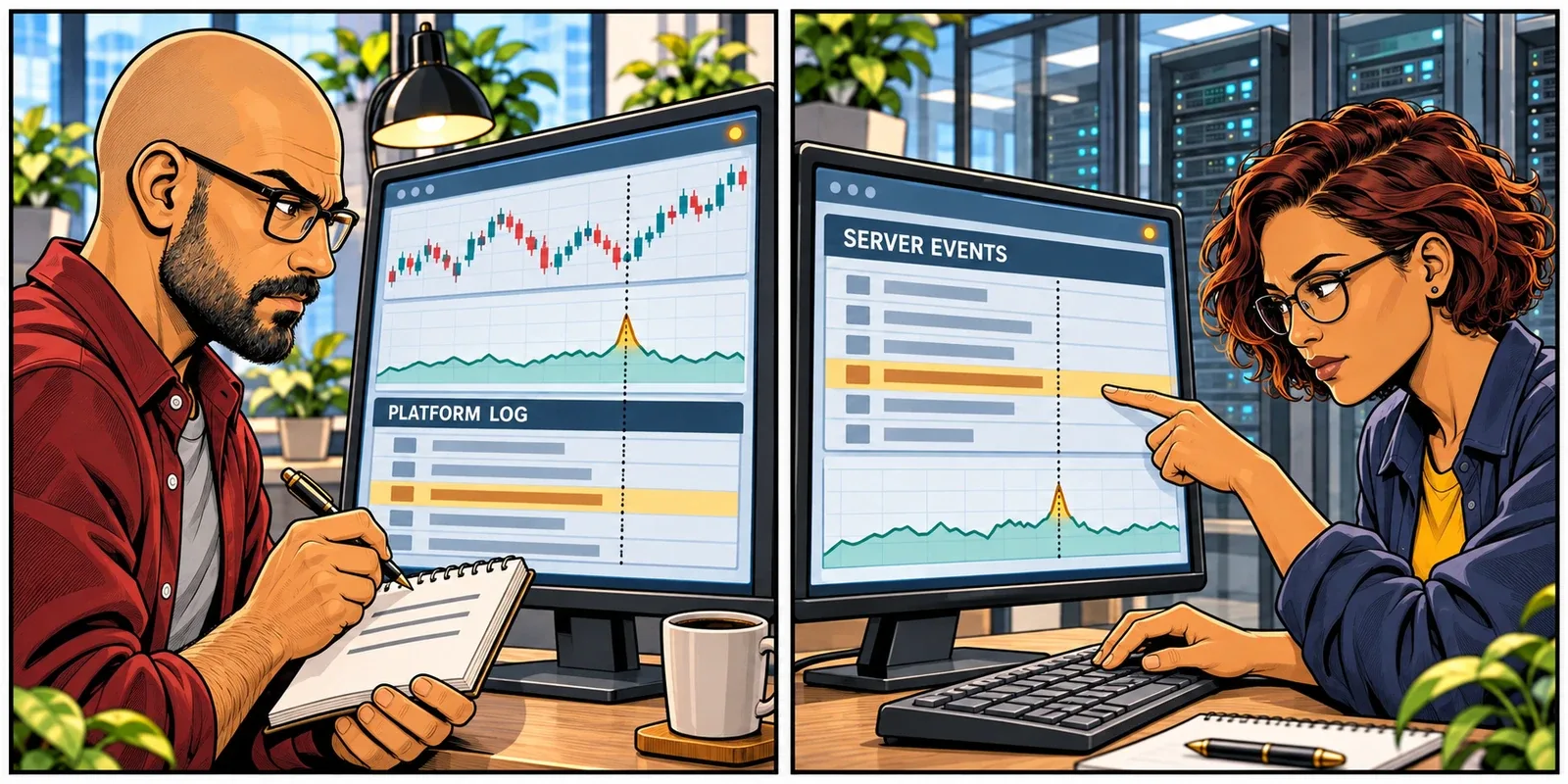
This is where we use ServerIQ at ChartVPS. Its per-core CPU, memory, network, selected-process, and restart records give support and clients something to compare with the incident.8 That can narrow the cause without beginning every investigation with a reboot. It does not certify that a strategy is behaving correctly or that an order filled.
The infrastructure edge is fewer avoidable interruptions, and a clearer explanation when something does go wrong.
Reconnect, Then Check What Happened
A restored desktop lets you see the platform again. A restored broker connection lets it receive updates again. Neither is, by itself, confirmation that the account and strategy agree.
Keep the checks focused:
| Check | What You Need to Establish |
|---|---|
| Original order and executions | Was the request accepted, rejected, filled, partially filled, or left working? Use the correct account and instrument, including the futures contract month. |
| Current position and protection | What exposure exists now, and which protective orders remain active? Check quantities rather than relying on a chart marker. |
| Platform and strategy state | Did the original process keep running, or did it restart? Has it accounted for what happened during the interruption? |
NinjaTrader distinguishes a strategy’s position from the account’s actual position.9 After a restart, assuming they match can be costly. Its startup synchronization settings also deserve care: some can place live trades, rather than simply refresh the display.10
That comparison is reconciliation. You do not need an API manual to understand its purpose: establish what you hold, what orders can still execute, and what the software believes it is managing before allowing unresolved entry logic to submit again.
Use the broker’s documented recovery procedure or trading desk when the records are unclear. Rebooting the server cannot tell you whether the broker accepted an order.
Reconnecting restores access. Checking the records establishes what happened while access was missing.
Set This Up Before the Next Session
A useful preparation exercise is to trace your own setup, not an imaginary ideal one. Where does the strategy run? Which machine holds its logs? How do you reach the broker if that machine is unavailable?
Then settle five practical details:
- Session behaviour: have support confirm what happens when Remote Desktop disconnects, which policies can end the session, and how maintenance or restarts are handled. Keep authentication and access security in place; continuity does not require an unlocked desktop.
- Workload capacity: test a representative busy workspace with the indicators, feeds, and automation you use. Treat backfills and optimization runs as additional load, not free background activity.
- Independent access: keep the broker-approved account view and trading-desk contact accessible outside the VPS. A mobile connection may restore access when the home connection fails; it does not repair an incident at the broker.
- Incident records: retain the exact error, time and time zone, account, instrument, and any order ID. Give hosting support the server and platform symptoms; give the broker the unresolved order details. The two teams answer different parts of the question.
- A tested restart procedure: know whether the strategy resumes automatically and how it handles unresolved submissions. Check this in a simulator or controlled test environment, not by interrupting a live account.
The point is to make fewer decisions under pressure. When the screen freezes, you should already know whether you are recovering access to a running trading environment or recovering the environment itself.
Good infrastructure earns its place by keeping more of the session routine: the platform keeps processing, the broker connection has a well-provisioned path, and support has records to work from. When there is uncertainty about an order, those records help you investigate without making a second trade just to find out what happened to the first.
Know which connection failed before deciding what needs to restart.
Related Reading
- Where Is Your Stop When Your Platform Goes Offline?
- Latency Is Not Execution Speed
- Your Server Is Online. Is Your Strategy Still Running?
Sources
- Microsoft Learn, Troubleshoot Unexpected RDS Session Locks or Disconnections. ↩
- Microsoft Learn, Remote Desktop Session Policies: Disconnected Session Time Limits. ↩ ↩
- Binance Developer Documentation, General REST API Information. ↩
- Alpaca, Working with Orders: Timeout FAQ. ↩
- NinjaTrader 8 Help Guide, Performance Tips. ↩
- NinjaTrader Support, Resolving Chart Lag (Rendering Delay). ↩
- ChartVPS, Trading VPS Technology, Hardware and Networking. ↩
- ChartVPS, ServerIQ. ↩
- NinjaTrader 8 Help Guide, Strategy Position vs. Account Position. ↩
- NinjaTrader 8 Help Guide, Syncing Account Positions. ↩