

You have a position, a stop below it, and a target above it. The arrangement looks settled. Then the platform loses its connection.
Does the stop still work?
Sometimes it does. Sometimes the instruction never left the computer. Sometimes the stop remains active, but the trailing rule or the instruction to cancel its sibling order has stopped working.
These differences are easy to miss because the chart can look much the same in every case. The useful question is not simply whether you placed a stop. It is which system holds the order, and which system manages what happens next.
You can establish that before anything fails. Here is what to check.
First, Find the Order
Start with the order record, not the horizontal line on the chart.
A stop instruction may be held by the trading application, a broker or routing service, or the exchange. NinjaTrader documents different arrangements across its supported connections.1 A familiar platform name is not enough to establish where a particular order lives.
For example, NinjaTrader’s Simulated Stop is a locally held conditional order. The application watches for its trigger and then submits an order. NinjaTrader explicitly warns that this needs a functioning computer, connectivity, and market data.2 Here, “simulated” describes how the trigger is managed. It does not mean the resulting trade must be a practice trade.
Compare that with an order already acknowledged by a broker or exchange. Its existence no longer depends on the chart remaining visible, although its validity and any cancellation rules still apply.
NinjaTrader’s documented order states make the distinction concrete:3
| State | What It Establishes |
|---|---|
| Trigger pending | The order is still held locally, waiting to be submitted |
| Submitted | It has been sent to the connectivity provider, not yet confirmed accepted |
| Accepted | Broker confirmation has arrived |
| Working | Exchange confirmation has arrived |
| Cancel pending | A cancellation has been requested, not yet confirmed |
| Cancelled | Cancellation has been confirmed |
These are NinjaTrader’s definitions, not universal labels for every platform. Read the equivalent definitions for your own connection. After a connection drops, the displayed state may also be the last state received rather than the current state.
A broker-held order is not a promise that it remains indefinitely. Check its time in force and the applicable disconnect policy. CME, for example, offers Cancel on Disconnect for eligible orders on configured order-entry sessions.4 That is a specific connection to the exchange, not a rule that every lost home Wi-Fi connection cancels every order.
Ask your broker which policy applies to your account and route. Do not infer it from where the server happens to be.
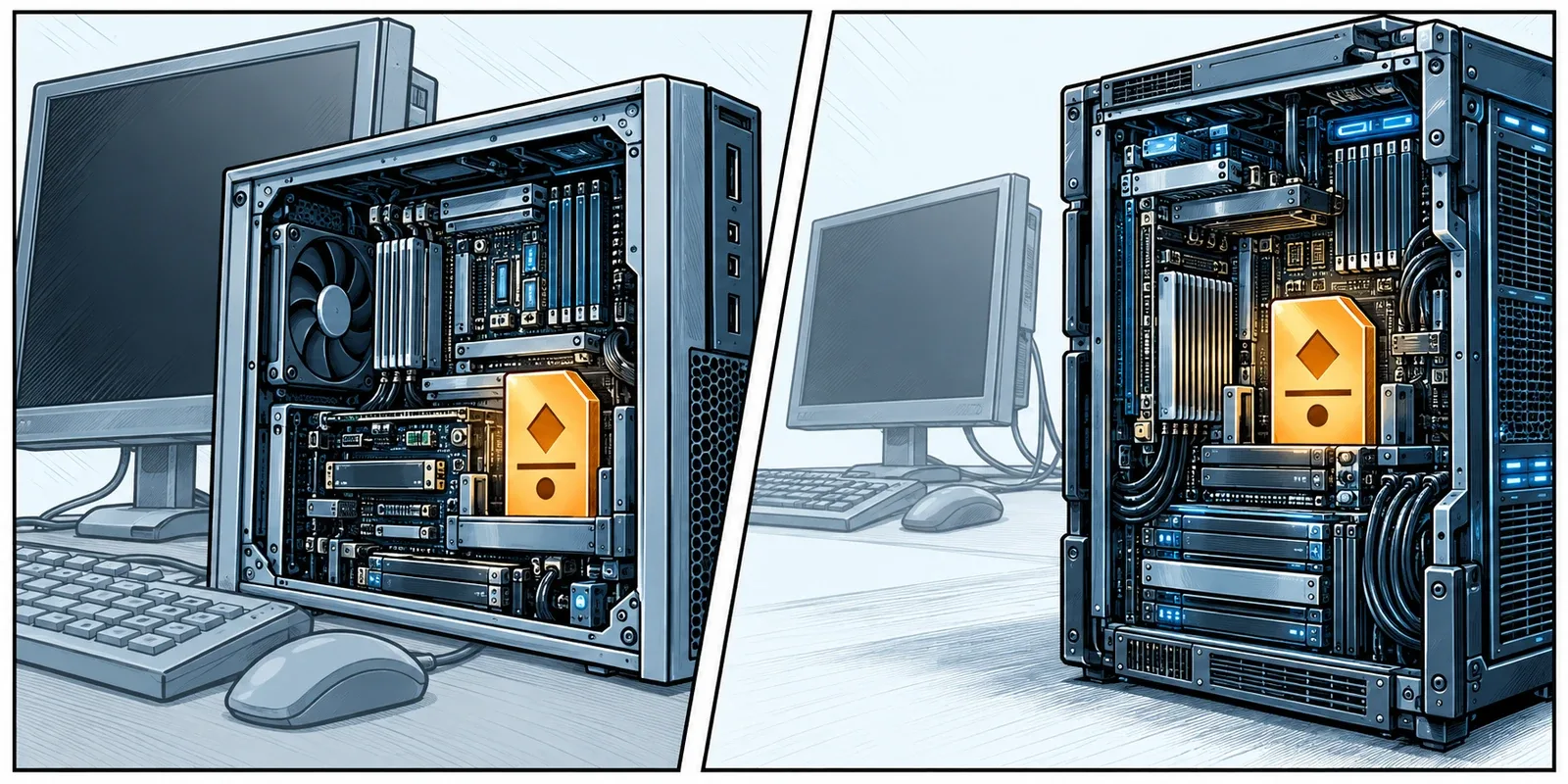
The line tells you the level. The order record tells you what has been acknowledged.
The Stop Can Stay While the Trailing Stops
An order and the software adjusting it are separate things.
MetaTrader 5 provides a useful example. Its normal Stop Loss and Take Profit instructions are stored and executed on the broker’s server.5 The desktop platform’s built-in Trailing Stop, however, runs in the terminal. When that terminal is off, the trailing mechanism stops; a Stop Loss level it has already set remains at the server.6
Suppose the terminal successfully moves a stop twice, then shuts down. The broker does not need the terminal to remember the last accepted level. But it does not inherit the terminal’s job of calculating the next adjustment.
There is another detail worth checking: enabling a trailing rule is not evidence that its activation conditions have been met and an initial Stop Loss has been placed. Inspect the current server-side level. These statements concern MT5’s built-in feature, not every custom Expert Advisor sold with “trailing stop” in its description.
NinjaTrader Has More Than One ATM Mode
Avoid the equally broad claim that every NinjaTrader Advanced Trade Management strategy runs locally. NinjaTrader documents both local and server-side ATMs. Its current guide describes the server-side option as beta, exclusive to the NinjaTrader connection, and disabled in Multi-provider mode. It also lists feature differences, including a restriction on using server-side ATMs with NinjaScript.7
So check the selected mode and the features you use. The availability of a server-side option does not mean your existing custom strategy has moved there. Review any mode change outside active trading; NinjaTrader warns against switching with ATM orders still open.
For any third-party strategy, ask its developer where the initial stop, later adjustments, and emergency-exit logic run. Three different answers are possible.
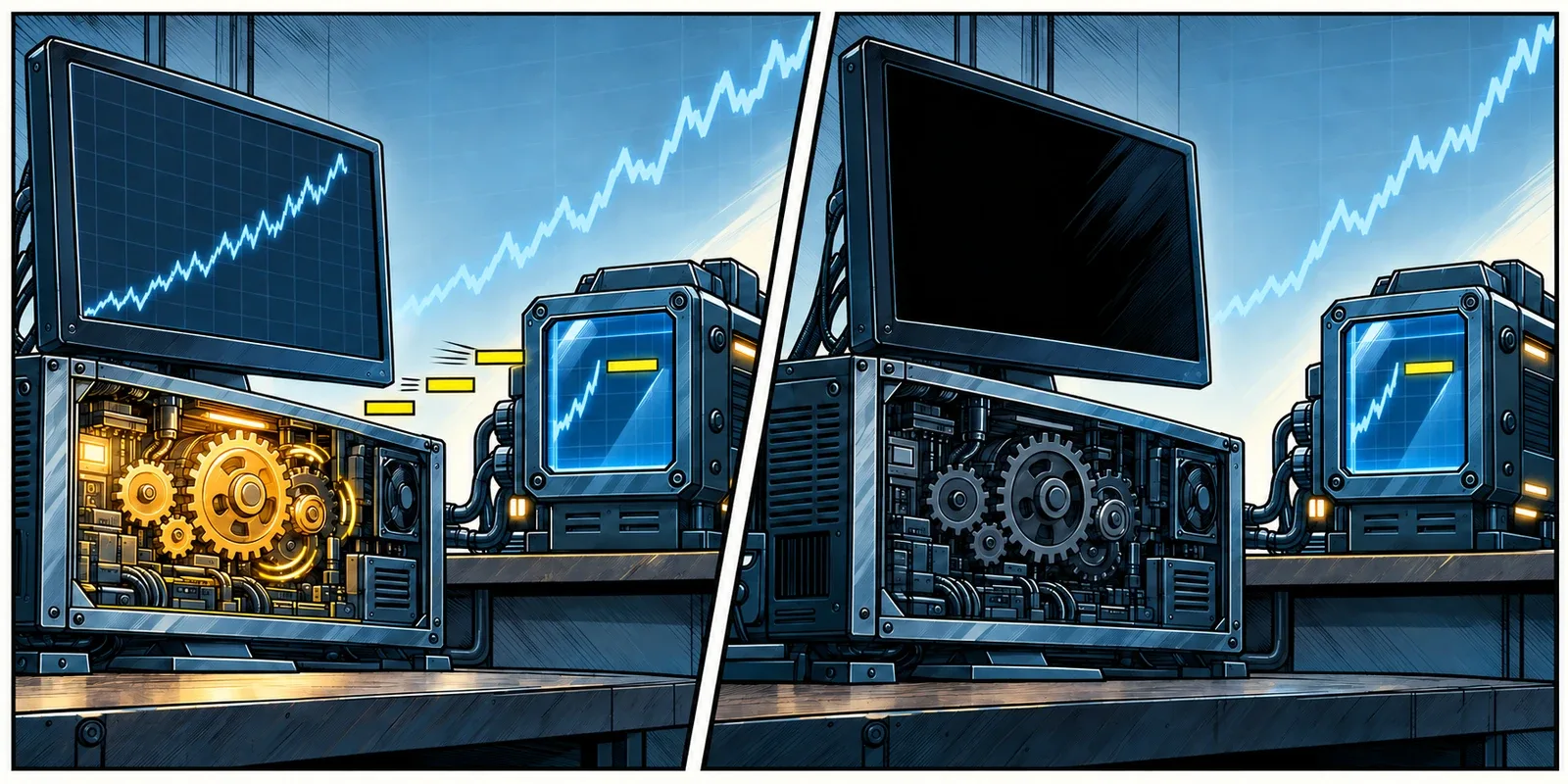
A stop that remains active is not necessarily a stop that keeps moving.
Two Exit Orders Need a Cancellation Mechanism
A stop and a target can both be held away from your computer while their one-cancels-other, or OCO, relationship depends on local software.1
Consider a simple example: one long contract, one sell target, and one sell stop. The target fills and closes the position. Something must now cancel the stop. If that job belongs to an offline application, the remaining sell order may still be active. A later fill could create a new short position, depending on the account’s order controls.
Confirm who sends the cancellation and handles partial-fill quantities.
Sierra Chart explicitly distinguishes locally managed attached orders, server-side OCO, and server-side brackets. With client-managed brackets, attached exits may wait in Sierra Chart until the entry fills. Server-managed brackets can hold the parent and its attached instructions before that fill. Its documentation identifies Teton as using server-managed OCO and brackets.8
Use the documentation for your particular trading service, then inspect its order records. Sierra Chart’s guide describes relevant information in the Trade Activity Log’s Order Action Source field. A general preference labelled “server side” is not a substitute for confirming what the connected service supports.
The same distinction deserves attention in a trade-copying setup. A stop acknowledged on the lead account does not establish that every follower account has received and accepted its own exit orders. Check each account’s records and the copier’s documented behaviour after a disconnection or rejected instruction.
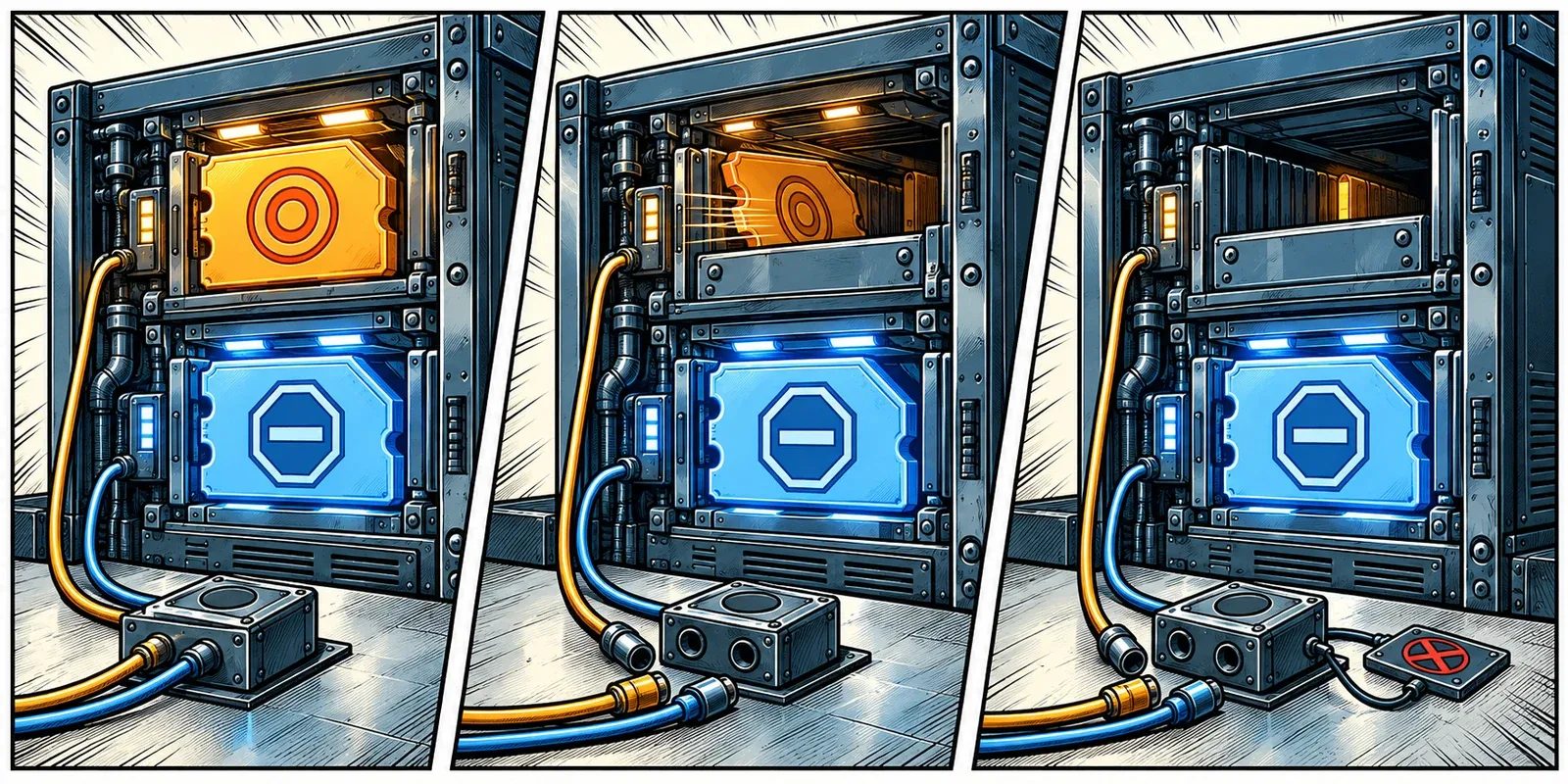
Ask where the orders live, then ask who cancels the one you no longer need.
Disconnected From What?
“I lost connection” can describe several different failures. They do not have the same consequences.
| What Stopped | What to Establish |
|---|---|
| Your Remote Desktop connection | Whether the remote Windows session and trading application are still running |
| The platform’s market-data feed | Whether local triggers and adjustments still have the inputs they require |
| The platform’s broker connection | Current positions and orders through an approved independent channel |
| The trading application or Windows session | Which functions were local and which had already been accepted elsewhere |
With Remote Desktop, disconnecting normally leaves the remote session’s applications running. Signing out ends the session and its processes.9 Session policies can also end disconnected sessions after a configured interval, so confirm the server’s configuration rather than treating the default as a guarantee.10
If your platform runs on a VPS, your laptop can lose access while the VPS retains its own broker connection. That separation is useful. Closing the trading application inside that VPS is a different action, as is signing out of Windows or restarting the server.
This is the relevant role of hosting here: give software-dependent trading functions an operating environment separate from the device you use to view them. It does not turn a locally managed stop into an exchange-held stop. Local means local to the application, even when that application runs in a data center.
At ChartVPS, ServerIQ is included with every server plan and monitors resources, restarts, shutdowns, and selected trading-platform processes, with email alerts.11 That can reveal a stopped application. It does not establish that a particular stop was accepted, that an OCO cancellation completed, or that an account is flat. Those answers still come from the trading system and broker.

The window you lost may only have been the view into the machine doing the work.
A Working Stop Still Has Execution Rules
Even a correctly acknowledged, remotely held stop cannot promise a particular fill.
For stocks, FINRA explains that a conventional stop becomes a market order when triggered; the execution price can differ substantially from the stop price. A stop-limit order adds a price constraint but can remain unfilled.12
Take an illustrative sell stop-limit with a trigger of $100 and a limit of $99.50. If it triggers and available bids are already below $99.50, the limit prevents a sale at those lower prices. The order may be functioning correctly while the position remains open. Those figures demonstrate the mechanism, not a suggested stop placement.
Futures traders should check the exchange’s exact order type. CME distinguishes stop-limit orders from stop with protection, which can execute only within its protection range.13 A platform’s short label does not tell you every venue rule behind it.
Also establish what triggers the order: the relevant trade or quote condition, trading-session eligibility, and any expiry. A price appearing on a chart is not, on its own, proof that the order’s trigger and execution conditions were satisfied.
This separates two investigations. An unavailable application is an infrastructure problem. An accepted stop-limit waiting outside its limit price is order behaviour. Restarting Windows will not fix the second one.
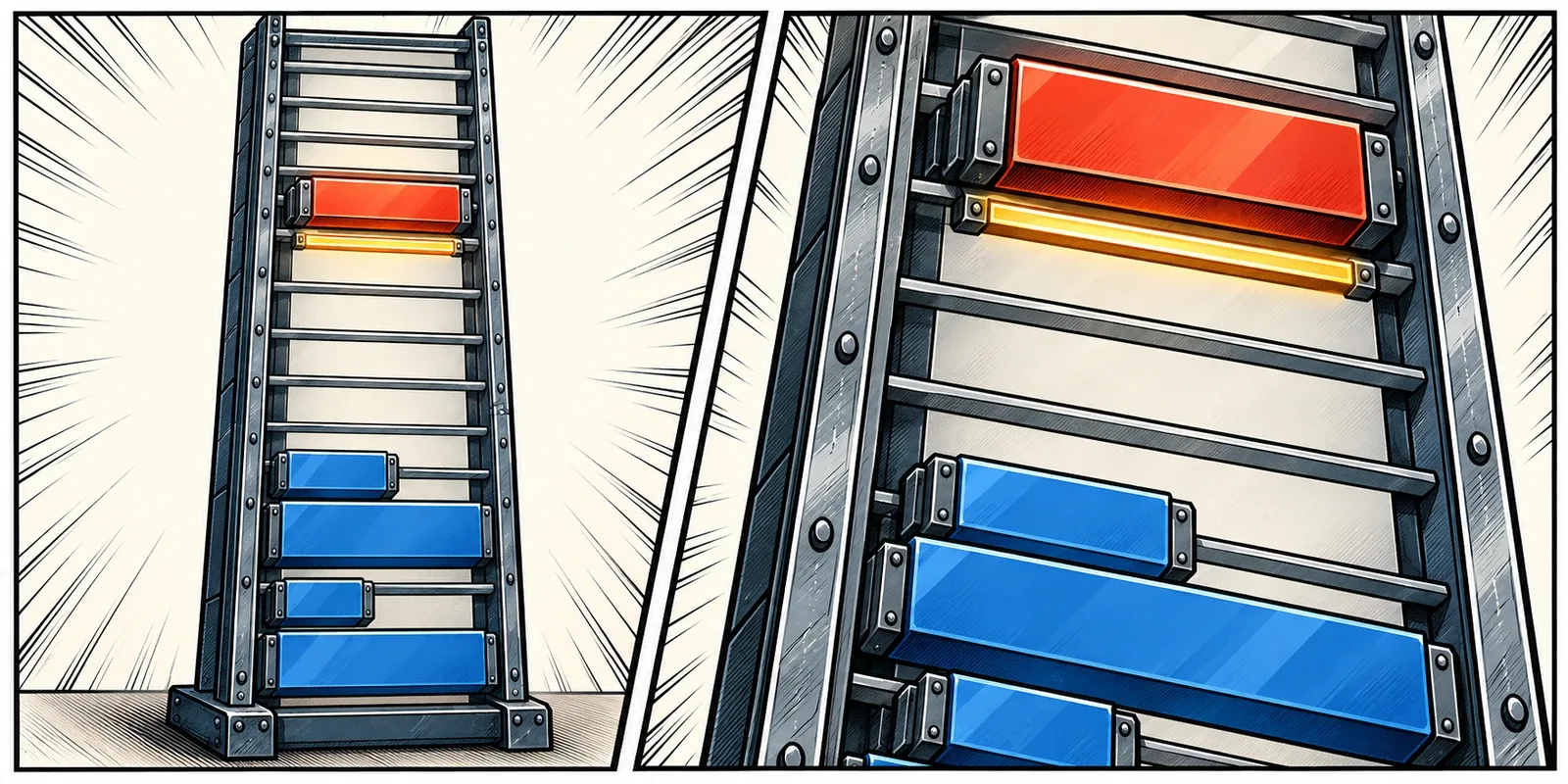
An order can work exactly as specified and still leave you with a position.
Settle These Questions Before the Next Session
Make a short record for the setup you use, including the account, connection, platform version, instrument, and strategy or ATM mode. Start with these questions:
| Question | The Answer You Need |
|---|---|
| Where is the initial stop held? | Local application, named routing service, broker, or exchange |
| What proves acceptance? | The relevant order status, identifier, and independent account view |
| Who moves the stop? | The specific terminal, strategy, or server-side service |
| Who manages the bracket? | Where exits wait before entry and who handles sibling cancellation and partial fills |
| What can cancel or expire the order? | Time in force, session restrictions, and applicable disconnect controls |
| How do I check without this desktop? | An approved alternative access method and the broker’s trading-desk contact |
Send the unresolved parts to your broker or platform provider. A useful question is: “For this connection and order mode, what remains active if the application closes, and which functions stop?” Include the actual configuration. “Are my stops safe?” gives support too little to work with.
Rehearse the controls in a designated simulation or test account with no live exposure. Check initial submission, adjustments, entry fills, sibling cancellations, and reconnection. Ask the provider which parts of that environment match live routing. A local simulator cannot prove that a production gateway will hold or cancel an order the same way.
Do not create a live disconnection to find out. Do not assume a successful test on one connection applies after changing brokers, order modes, or strategy software.
If an interruption happens during live trading, establish current positions and working orders through the broker’s approved channel. Keep account and order identifiers available. If the state is uncertain or inconsistent, use the broker’s trading desk rather than submitting replacement exits on the assumption that the old ones vanished. A pending cancellation is not a confirmed cancellation.
The useful outcome is a sentence you can complete without guessing: “If this application stops, these orders remain, these functions stop, and this is how I check.”

Know what survives the disconnection before you have to rely on it.
Related Reading
- Latency Is Not Execution Speed
- Your Server Is Online. Is Your Strategy Still Running?
- ServerIQ Monitoring and Alerts
Sources
- NinjaTrader Help Guide, Where Do Your Orders Reside?. ↩ ↩
- NinjaTrader Help Guide, Simulated Stop Orders. ↩
- NinjaTrader Help Guide, Order State Definitions. ↩
- CME Group, Enable/Disable Cancel on Disconnect. The documented feature concerns configured exchange order-entry sessions and eligible order durations. ↩
- MetaTrader 5 Help, Executing Trades: Stop Loss and Take Profit. ↩
- MetaTrader 5 Help, Basic Principles: Trailing Stop. ↩
- NinjaTrader Help Guide, Server Side vs Local ATMs. Availability and limitations checked October 21, 2026. ↩
- Sierra Chart, Attached Orders Feature. See the separate sections for client management, server-side OCO, server-side brackets, and intermediary servers. ↩
- Microsoft Learn, Terminal Server: Session Disconnect and User Logoff. ↩
- Microsoft Learn, Remote Desktop Session Time-Limit Policies. ↩
- ChartVPS, ServerIQ: Trading Server Monitoring and Alerts. Service scope checked October 21, 2026. ↩
- FINRA, Stop Orders: Factors to Consider During Volatile Markets. ↩
- CME Group, Futures Order Types. ↩