


The strategy is running. Your train is leaving. You close the laptop, take three steps, and think: hang on. Did I just switch the whole thing off?
It is a reasonable question. Remote Desktop puts another computer’s desktop inside a window on yours. Once that window fills the screen, the distinction is surprisingly easy to forget.
If the trading software is running on a Windows VPS, disconnecting Remote Desktop normally leaves it running there. Signing out of the remote Windows session ends that session’s applications. A restart is a third event with its own recovery requirements.123
That is the short answer. The useful answer includes the session policies, platform settings, and dependencies that can change what happens after you leave.
This opens The Unattended Desk, a Trading I/O series about keeping the live trading environment working when you are elsewhere. Start with the ordinary act of closing a window. It has more consequences than its little cross suggests.
The Laptop Is Not the Engine
Picture two computers doing different jobs. Your laptop gives you access. The VPS runs Windows and the platform you installed on it. Remote Desktop carries the interaction between them; it does not move the VPS’s applications onto your laptop.1
A NinjaScript strategy running inside NinjaTrader on the VPS belongs to that remote environment. An EA running in a MetaTrader terminal on your home computer does not. Buying a VPS, connecting to it once, or seeing your broker account on both machines does not relocate an existing strategy.
The first useful question is therefore wonderfully unglamorous: which machine is running this particular instance?
Check the Windows computer name, the platform installation, and the account and strategy instance in use. Two identical-looking workspaces can represent two independent installations. Keep their roles clear before starting automation in either one.

There is one further question worth asking: does the VPS still depend on something at home? A local signal publisher, file relay, or custom bridge can leave part of the workflow on your laptop even when the order-sending application is hosted. Closing that laptop may remove an input the remote bot needs.
Moving the full execution workflow is different from moving its final window. Trace the dependencies once, including anything that supplies signals or authorizes requests. That small bit of housekeeping makes the hosting arrangement much more useful.
Put the execution workload on the VPS, not just a copy of the desktop.
Three Ways to Leave, Three Different Outcomes
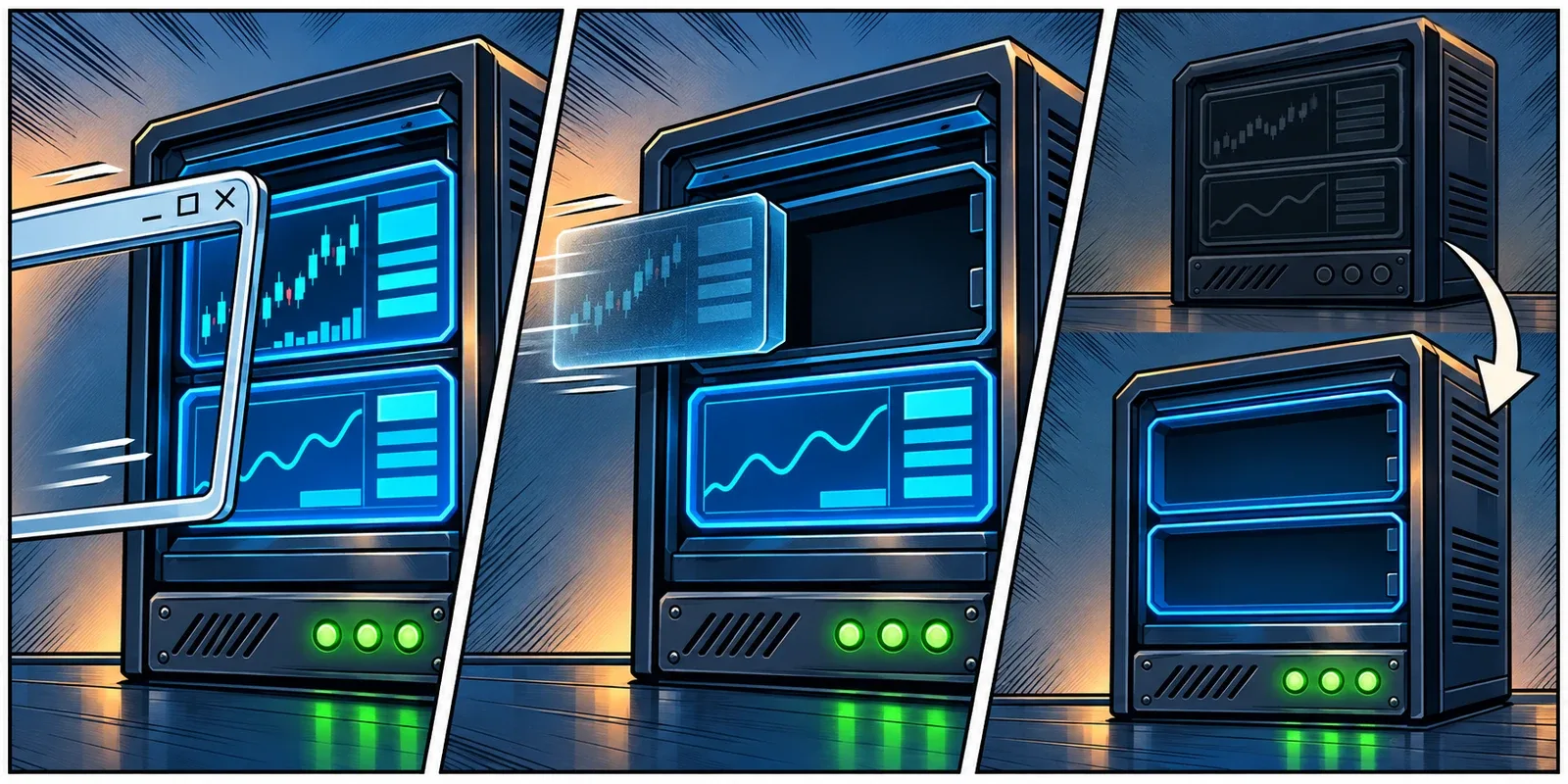
The remote-access client and the trading platform both have close buttons. They do not close the same thing.
Leaving the outer Remote Desktop connection normally disconnects your view. Closing NinjaTrader or MetaTrader inside that remote desktop exits the application itself. Microsoft distinguishes disconnecting a session from logging its user off: disconnect preserves the session; logoff ends its processes.23
| Action | What changes | What to expect from a desktop-based bot |
|---|---|---|
| Disconnect the Remote Desktop client | Your connection to the desktop ends | It can continue in the preserved session, subject to policy and application behaviour |
| Lock the remote Windows session | Access to the desktop is locked | Ordinary background processing can continue; software that depends on GUI interaction needs testing |
| Sign out of Windows inside the VPS | That user’s session ends | Applications running in that session close |
| Exit the trading platform | The application stops | Its local strategy processing stops, even if Windows remains online |
| Restart the VPS | Windows and its running applications stop and boot again | The platform and strategy need a tested return-to-service process |
A lock is distinct from a logoff. Microsoft documents a locked session as remaining active.4 That is useful, but it is not a promise about every add-on. Software that clicks screen coordinates or automates visible windows deserves its own test; it has different dependencies from code processing a market-data feed.
Also, stopping local software does not establish that an account is flat or that every working order was cancelled. Those are broker and platform questions. The companion article on where your stop order lives covers that distinction.
Disconnect the view when you mean to leave. Do not end the session by accident.
The Timer You Did Not Know Was Running
Here is the awkward case. You disconnect, return a minute later, and everything looks fine. You try it overnight and come back to a fresh desktop.
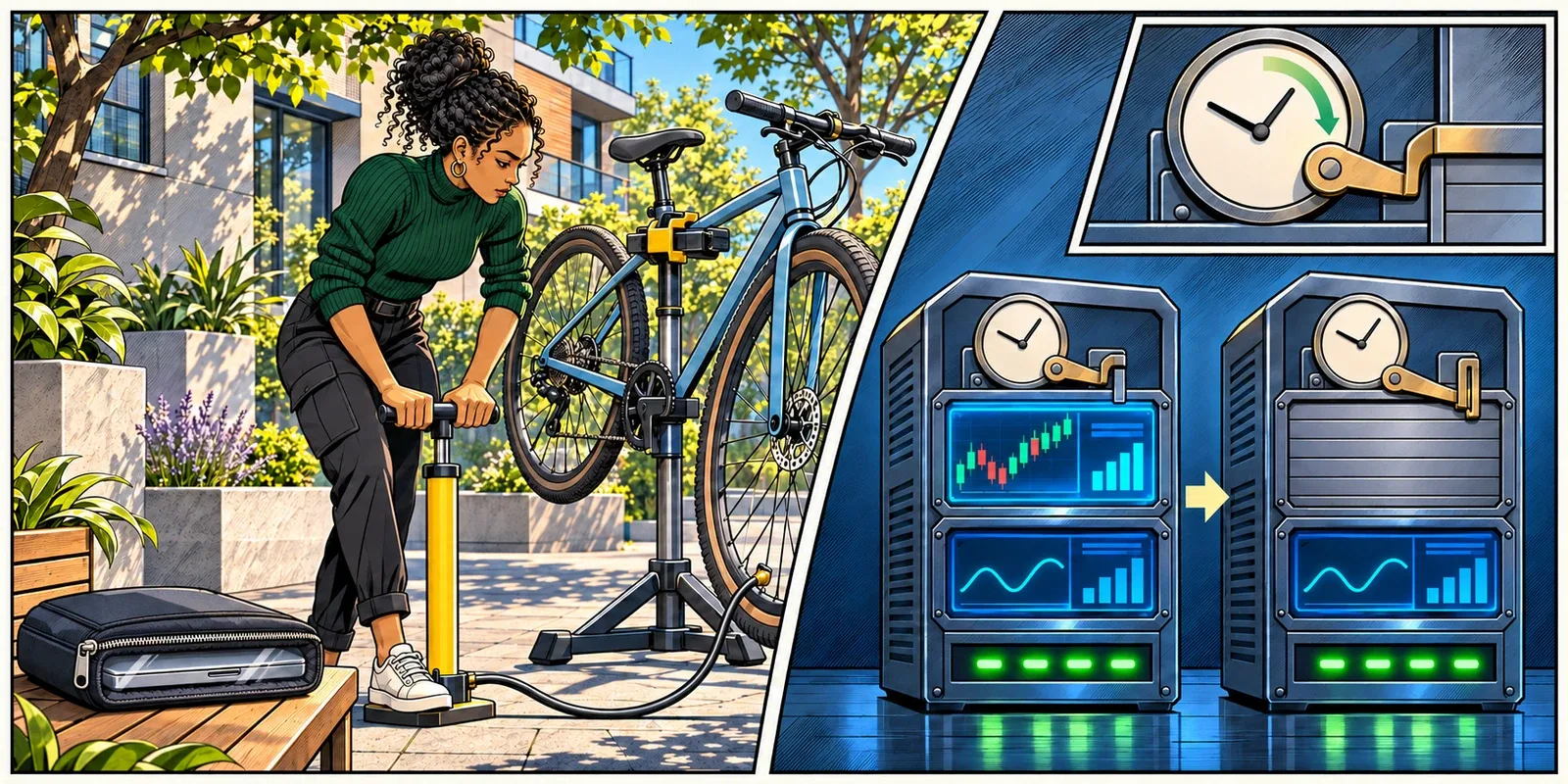
A successful one-minute test does not rule out a later session timeout.
Windows has policies for disconnected sessions, sessions with no user interaction, and whether reaching a time limit disconnects the user or ends the session. A configured disconnected-session limit can eventually remove the session and its running applications.5
That is not the same as a server outage. The VPS can remain reachable throughout.
Ask your provider or administrator to review the effective Session Time Limits configuration for the account that runs the platform. Checking one local setting is not enough when another policy governs the machine. Microsoft documents that policy settings override defaults, and computer policy takes precedence over user policy.4
There is a useful read-only inspection command on supported Windows systems:
query userIt lists session information, including the user, session ID, connection state, idle time, and logon time. Permission is required. Its idle measurement reflects keyboard or mouse activity, not how hard a strategy is calculating.6
Use it to clarify which session you are looking at. Do not follow it with a session-reset or logoff command just to make the list tidier. A disconnected session may be exactly where the intended trading process lives.
Nor is the answer to switch off every timeout and security control. Establish the workload’s session requirement, retain appropriate access protection, and agree on a configuration that supports both.
A server can be online after the session running your strategy has ended.
A Platform Window Is Not an Enabled Strategy
Session survival is one layer. The application’s own state is another.
NinjaTrader
For a chart-based NinjaScript strategy, closing its chart is consequential. NinjaTrader documents that closing the chart disables and removes the strategy. It also states that reopening NinjaTrader after shutdown can restore the chart with the strategy still applied but Enabled set to false.7
That familiar-looking workspace can therefore conceal a meaningful change.
Strategies started from the Control Center’s Strategies tab do not need to appear on a chart, but they still need to be enabled and have the appropriate data or brokerage connection.8 Identify which method your setup uses. Do not simplify a workspace by closing charts until you know what they host.
MetaTrader
In MetaTrader 5, an EA is attached to a chart, with trading permissions controlled both in its settings and at platform level.9 Check the intended EA instance, symbol, account, permissions, and recent log activity on the VPS. An open terminal alone answers very little.
This article concerns a desktop terminal on a Windows VPS. MetaTrader’s built-in virtual-hosting service has a separate deployment workflow; do not assume a Windows session procedure describes that service too.
API Bots and Background Services
A Python process launched in your interactive session and a properly configured Windows service have different lifecycles. Services run in a noninteractive environment rather than relying on the ordinary user desktop.10
That can suit an API bot built for it. It does not make wrapping an arbitrary graphical trading application in a service launcher a sound deployment method. Confirm the software’s supported mode, credentials, startup behaviour, and logging with its developer.
Reopening a workspace restores what you can see. Check separately what is allowed to trade.
Rehearse the Handoff in Simulation
You do not need a live position to find out what closing Remote Desktop does. You need a controlled test with useful evidence.
Use a dedicated simulation or demo configuration, with live order submission and live copier destinations disabled. Do not clone a live setup and assume its accounts changed automatically. Choose a period when the test feed is producing data.
- Identify the starting state. Confirm the VPS, Windows user, platform, simulation account, and enabled test strategy. Record the time and the latest relevant platform or strategy log entry.
- Choose an observable activity. A periodic strategy diagnostic or heartbeat is better than waiting for a trade signal that might never occur. If the software offers no such output, ask its developer what demonstrates continued processing. Do not add untested diagnostic code to the live version.
- Disconnect only the remote-access client. Leave the platform and its required charts open. Do not sign out, restart the server, or change network settings during this test.
- Leave enough time to test the actual requirement. A short interval establishes basic behaviour. A separately planned longer test should cover the unattended interval you expect to use and any known session-policy limit.
- Reconnect to the intended session and inspect the interval. Look for activity recorded while you were disconnected, not merely a green icon after you returned. Check for a process restart, a new session, a data gap, or a strategy that is now disabled.

Be careful about what the evidence proves. A platform log can show that the application was alive. A strategy heartbeat can show that the relevant code reached a particular point. Neither automatically establishes that the correct live account would have accepted an order.
Likewise, an absence of trades may simply mean there was no signal. A simulation fill is not proof of live execution quality. Keep this exercise narrow: did the intended workload continue through the disconnect, and did its required connections survive?
Keep the result with the setup’s configuration. Repeat the relevant test after a material change to the platform, add-ons, account arrangement, or session policy. You are checking an operating arrangement, not earning a permanent certificate from one good afternoon.
The useful evidence was recorded while you were away, not after you logged back in.
A Restart Needs Its Own Return Plan
Passing the disconnect test does not mean you have tested recovery from a reboot.
After a restart, ask what brings each layer back: Windows, the intended user or service context, the application, its authentication, its data connection, and finally the permitted strategy state. An application opening at startup is only one part of that sequence.
For NinjaTrader in particular, the restored-but-disabled chart strategy described earlier makes this distinction concrete.7 A desktop full of yesterday’s charts is not confirmation that yesterday’s automation resumed.
Plan maintenance with the provider around the operating system and workload. Microsoft documents update policies that can schedule or force restarts, with behaviour depending on configuration.11 Permanently avoiding security updates is not a sensible substitute for a maintenance window and a return check.
Before a planned restart, establish what happens to existing positions, working orders, and locally managed instructions using the platform and broker’s documented procedures. Do not use a live account to discover the answer experimentally.
Afterwards, verify the intended instance is back before starting another copy. If an unexpected empty desktop is actually a different Windows session, launching a second instance can make the situation harder to untangle. Inspect first, then decide what needs starting.
The recovery plan should say who checks it and how an incomplete return is reported. Otherwise, “the server came back” can become the end of the investigation when it should be the beginning of the application check.
The restart is finished when the intended workload is ready, not when Windows answers.
Give the Live Workload a Stable Home
There is a practical reason to separate execution from the computer you use for everything else. Research changes, local updates, travel, and a closed laptop do not need to share the same operating environment as the live strategy.
At ChartVPS, that separation is one of the uses for Mini: a focused environment for NinjaScript strategies, EAs, trade copying, or API bots, on its own or alongside a research workstation.12 The relevant benefit here is the placement of the workload, not a claim that every platform becomes an unattended service merely because it is hosted.
ServerIQ, included with ChartVPS plans, adds monitoring of server resources, restart and shutdown events, and selected platform processes.13 That can distinguish a stopped application from an otherwise reachable server. Process monitoring is still not proof that an individual strategy is enabled or making the decisions you expect. Application-level checks remain part of the setup.
For any provider, the useful questions are specific: will this account’s session persist after disconnect, what can end it, how is maintenance handled, and what alerts when the intended application stops? Ask for the configuration behind the answer.
Then closing the laptop becomes an ordinary action again. You know where the software runs, which session it belongs to, and what you will check when you return.
That is a better foundation for unattended trading than leaving a screen glowing because you are afraid to touch it.
Keep the workload independent of your laptop. Keep your knowledge of its state just as deliberate.
Related Reading
- Your Server Is Online. Is Your Strategy Still Running?
- The Order Timed Out. Did It Still Go Through?
- Where Is Your Stop When Your Platform Goes Offline?
Sources
- Microsoft Learn, Enable Remote Desktop on Your PC. ↩ ↩
- Microsoft Learn, tsdiscon. ↩ ↩
- Microsoft Learn, logoff. ↩ ↩
- Microsoft Learn, Troubleshoot Unexpected RDS Session Locks or Disconnections. ↩ ↩
- Microsoft Learn, ADMX_TerminalServer Policy CSP: Session Time Limits. ↩
- Microsoft Learn, query user. ↩
- NinjaTrader Desktop Help Guide, Working With Automated Strategies. ↩ ↩
- NinjaTrader Desktop Help Guide, Running a NinjaScript Strategy From the Strategies Tab. ↩
- MetaTrader 5 Help, Expert Advisors and Custom Indicators. ↩
- Microsoft Learn, Interactive Services. ↩
- Microsoft Learn, Manage Device Restarts After Updates. ↩
- ChartVPS, Mini: Built for Execution. ↩
- ChartVPS, ServerIQ: Trading Server Monitoring and Alerts. ↩