

You can probably reinstall your trading platform without much trouble. Rebuilding the way you use it is a different job.
There is the indicator you bought two years ago. The session template you adjusted after a futures rollover. The strategy settings you tested all weekend. A collection of replay data that took longer to find than you care to remember.
None of it feels complicated while it is working. Try assembling it again with the opening bell approaching, and the small details become remarkably important.
A backup should shorten that job. But a saved workspace, a platform export, and a full-system snapshot preserve different things. Knowing which one you have is the beginning. Knowing that you can recover from it is the part that lets you stop thinking about it every morning.
The Setup You Built Around the Platform
Most trading environments grow gradually. You add a study, refine its inputs, save another workspace, and move a research folder somewhere convenient. Eventually the desk depends on decisions made months apart, with no single record of the whole arrangement.
Start by asking what you would miss if the machine were replaced today:
| Part of the Setup | What to Preserve or Record |
|---|---|
| Charts and layouts | Workspaces, templates, drawings, session settings, and instrument mappings |
| Indicators and automation | Installed versions, custom code, required libraries, and the parameter sets you use |
| Historical data and research | Recorded data you cannot readily replace, experiment settings, and important results |
| Connections and access | Provider names, account identifiers, permissions, and a secure way to recover access |
| The operating environment | Platform and Windows versions, installation paths, and supporting software |
| Recovery instructions | Where the copies are, who can restore them, and what needs checking afterward |
This is an inventory, not a request to put account passwords in a spreadsheet. Keep credentials and recovery codes in appropriate protected storage. Record how to reach them if the original server is unavailable.
The useful distinction is between replaceable software and accumulated work. A platform installer may still be available. Your particular combination of settings, custom studies, and local records may exist only on that machine.
For a discretionary trader, that could be the workspace used to read the open. For a systematic trader, it includes the exact strategy version and inputs behind a live deployment. Restoring a newer script with an older parameter file is not necessarily restoring the system you tested.
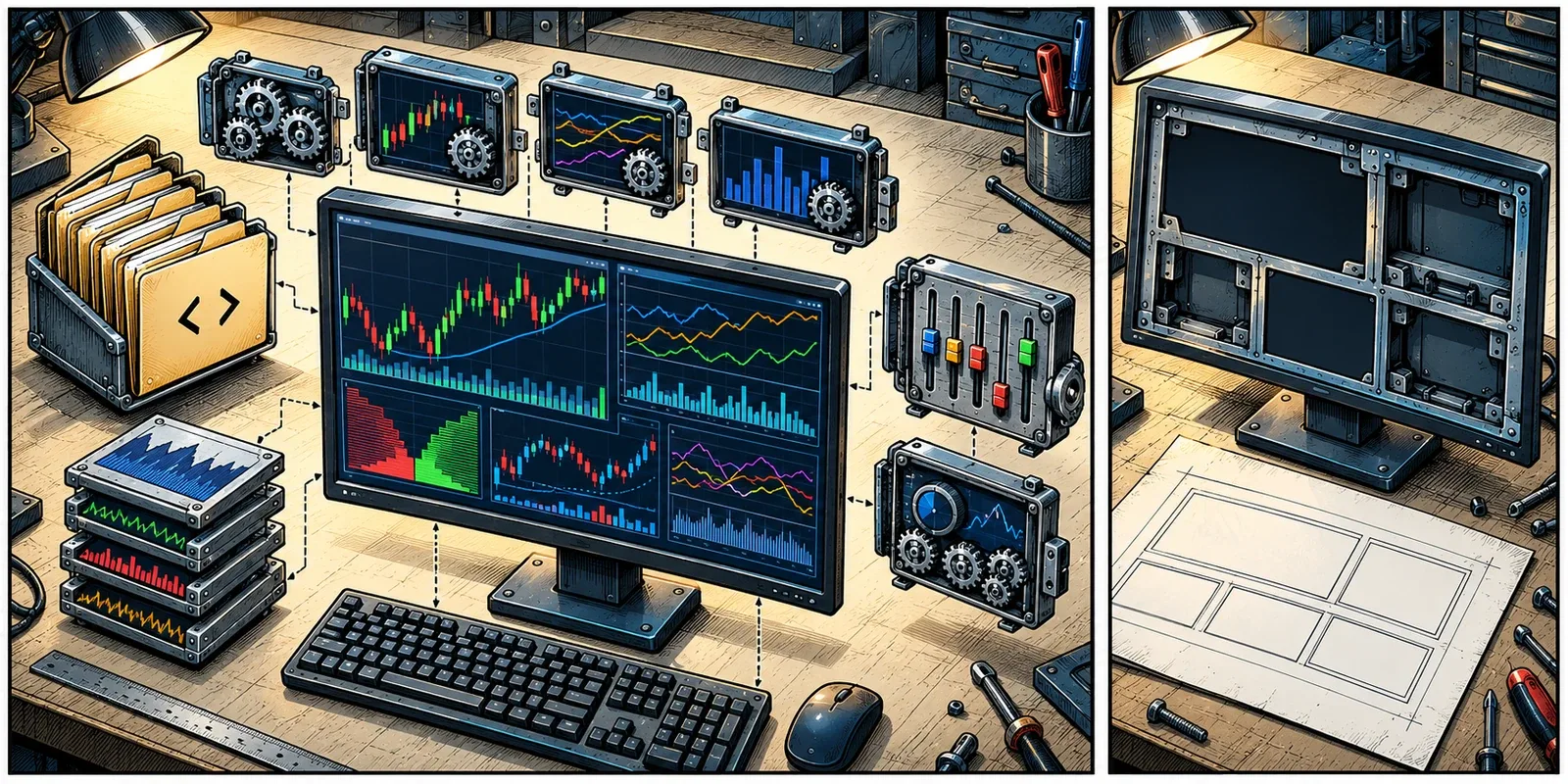
The hard part is rarely finding the installer. It is remembering everything you built around it.
Check What Your Platform Saves
The platforms do not package their working environments in the same way. Use the documented method for the software you run, then check what it includes.
NinjaTrader
NinjaTrader’s backup export offers separate selections for configuration, trade history, chart history, logs, Market Replay, NinjaScript files, templates, and workspaces. Saving the workspace alone is therefore a narrower choice than saving the supporting files too.1
Its export procedure calls for disconnecting from connectivity providers. Arrange this outside live operation, once any active trading has been handled under your normal procedures. Do not interrupt a strategy managing an account merely to complete a housekeeping task.
NinjaTrader also notes that some market data can be downloaded again, but tells users to confirm the provider still carries the required data and period.1 That is worth checking before leaving a hard-to-replace replay collection out of an archive.
MetaTrader 5
In MetaTrader 5, a template can preserve chart settings, applied indicators, and an Expert Advisor’s parameters. A profile preserves an arrangement of charts and their settings.2 Neither description means that a template is a portable copy of every program it references.
Use File > Open Data Folder to locate the active installation’s writable files. MetaTrader separates these from its read-only program files in normal operation.3 That distinction becomes especially useful when several terminals are installed: copying a plausible-looking folder is not enough if it belongs to a different instance.
Account for custom programs, libraries, input sets, and any files your tools read or write. Check the software developer’s recovery instructions rather than assuming a template carries its dependencies.
Sierra Chart
Sierra Chart’s transfer guide separates Chartbooks and data files from global configuration, keyboard shortcuts, account settings, and other supporting files. It also describes how to copy an installation, with the application closed.4
A Chartbook can bring back your charts without bringing back every part of the surrounding installation. Follow the guide for your actual data-folder location, rather than relying on the default path.
Across all three, keep a record of versions. NinjaTrader specifically warns that changes between releases can affect backup imports.5 A recovery test is a poor time to introduce an unrelated platform upgrade.
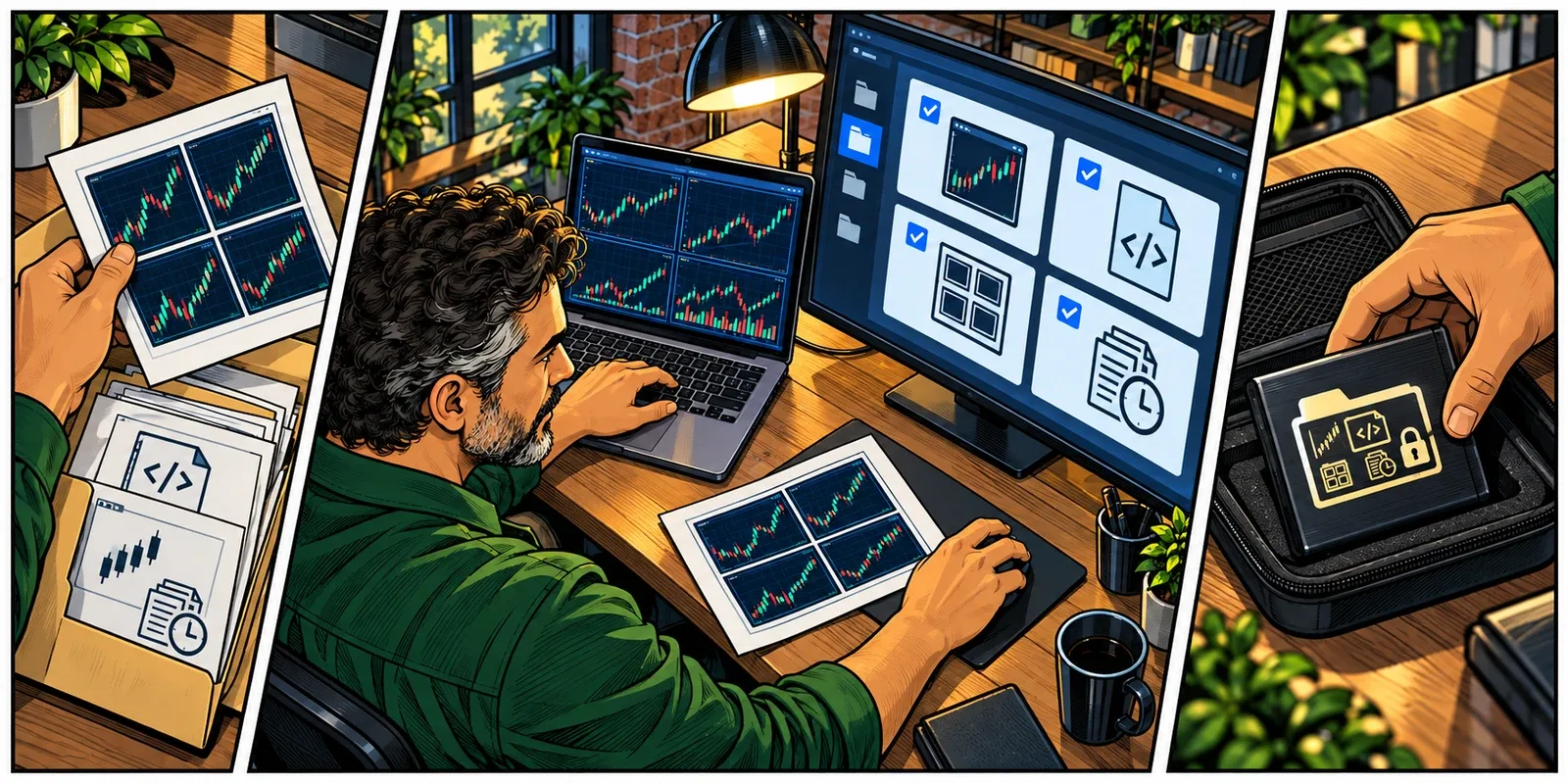
A workspace can remember how the desk looked without carrying everything that made it work.
A Snapshot Has a Boundary
A full-system recovery point can preserve much more than a platform export: the captured operating system, installed applications, configuration, and local files. That can remove a great deal of manual reinstallation.
The word snapshot, however, does not tell you whether the copy is independent of the original storage, how long it is retained, or how open applications were handled. Ask about the implementation rather than deciding from the name.
There are two useful technical distinctions:
- Crash-consistent: the copy preserves data already written to disk, without necessarily capturing pending application work. Recovery may require the application to check or repair its own state.6
- Application-consistent: the backup coordinates with supported applications so their related data is captured in a recoverable state. On Windows, Volume Shadow Copy Service, or VSS, provides a coordination mechanism; the participating applications and backup components still need the relevant support.7
A full-server image does not automatically prove that every third-party indicator, database, or custom script was coordinated. For files your own code writes, ask the developer how a backup should be taken and how recovery should be checked.
There is a separate boundary traders cannot afford to miss: restoring the server does not rewind the brokerage account. Trades and account changes after the recovery point still happened. Old local logs or strategy records are not a substitute for current broker-side positions and orders.
The same applies to a permission revoked after the snapshot, a subscription that expired, or a remote service that changed. You are restoring a captured environment into the present, not returning the whole trading operation to yesterday.
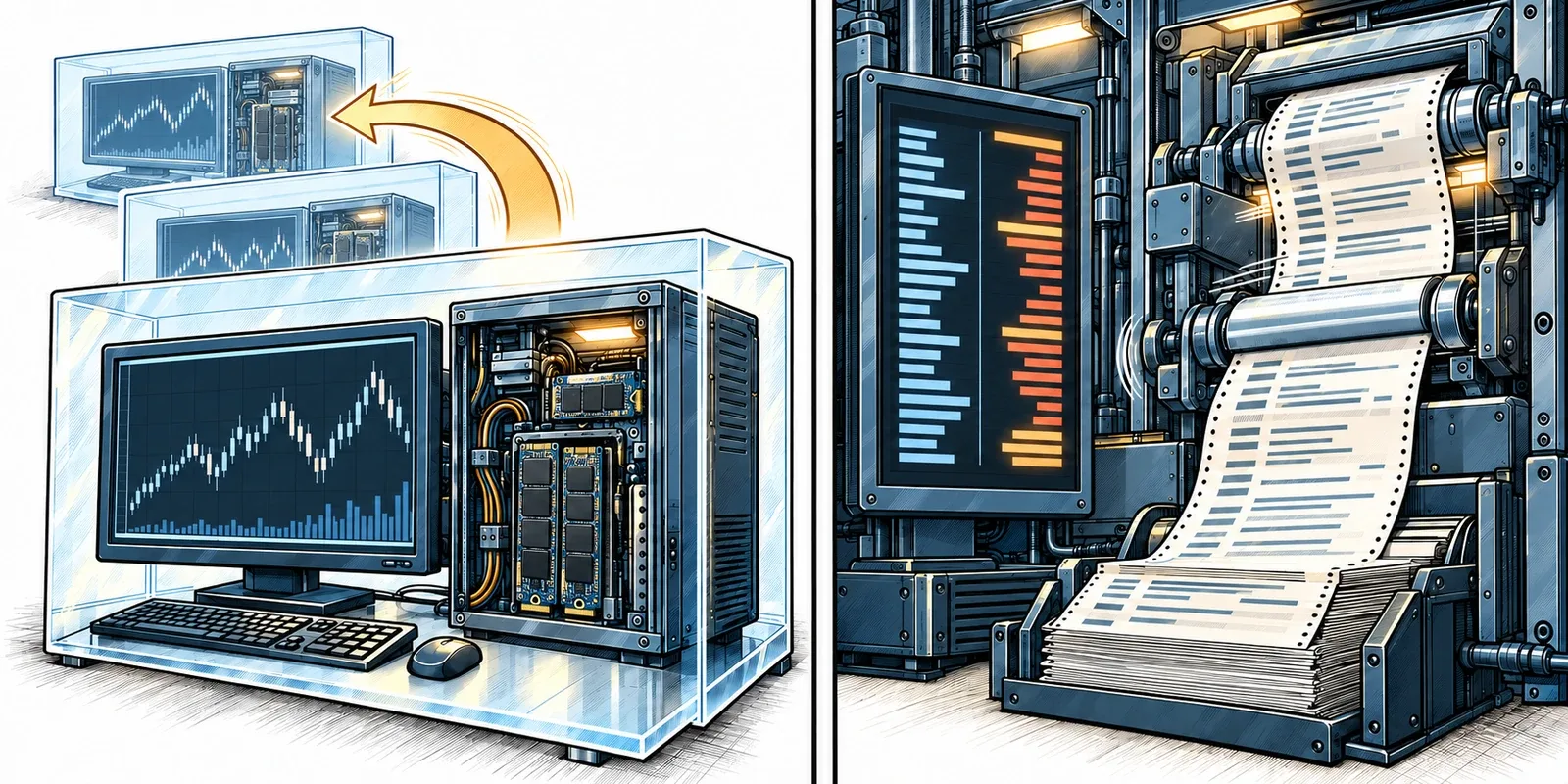
Recover the files from the past. Check the account in the present.
Two Clocks, One Opening Bell
Backup conversations often mix up two different questions: how much recent work could be missing, and how long it takes to become operational again.
Engineers call the acceptable gap in recoverable data the recovery point objective, or RPO. The acceptable interruption before service is restored is the recovery time objective, or RTO.8 The names are less important than deciding what your own setup can tolerate.
Suppose the latest usable copy is from 02:00 and a problem occurs at 09:15, using the same time zone. Changes made during those 7 hours and 15 minutes may not be in that copy. Restoring it quickly does not make the copy more recent.
A daily schedule can leave almost a day’s changes between recovery points even when every job succeeds. A failed job or an inaccessible copy can leave a longer gap. Check the timestamp of the latest usable recovery point, not just whether a daily schedule exists.
Now consider an illustrative pre-open recovery:
| Step | Time |
|---|---|
| Problem discovered | 08:40 |
| Environment restored after 35 minutes | 09:15 |
| Connections, studies, and account checks completed after another 25 minutes | 09:40 |
| Intended session start | 09:30 |
The restore finished before the open. The usable trading setup did not. These are example timings, not a provider benchmark or an estimate for your server.
Time the whole return during a rehearsal: access to support or recovery tools, selection of the copy, restoration, authentication, required history, and validation. If that exceeds the interruption you can tolerate, you may need a separately maintained standby environment. That is a different operational arrangement from owning a backup file, with its own cost and testing requirements.
The recovery clock stops when you can work again, not when the progress bar reaches the end.
Keep Older Copies Out of the Same Failure
A backup beside the original files may be useful for an accidental edit. It is less useful when the same disk becomes unavailable.
Mirrored storage addresses another problem: keeping data available through certain drive failures. It also reproduces legitimate writes, including a deletion or a damaged file saved by an application. Mirroring does not give you yesterday’s intact version by itself.
File synchronization needs similar scrutiny. It can propagate a mistake to another machine. Version history and retention may provide a way back, but those are features to verify, not consequences of having two synchronized folders.
Retention means how long recovery points remain available. A fresh daily copy is not a substitute for enough history to reach a known-good version. You may only discover a broken template when you next open that particular workspace.
Ask how many restore points are kept, what removes them, and whether the same credentials that control the live server can delete the backups. Off-server storage separates the copy from the server; it does not, by itself, establish that the copy is offline or protected against deletion.
CISA recommends offline, encrypted backups and regular recovery testing because attackers may try to destroy accessible copies.9 The lesson extends beyond security incidents: preserve a recovery path that the original problem cannot easily take away.
Protect access to that path too. A complete system copy may contain saved account information or proprietary strategy code. Encryption is useful only if the authorized person can recover the necessary access when the original machine is gone.10
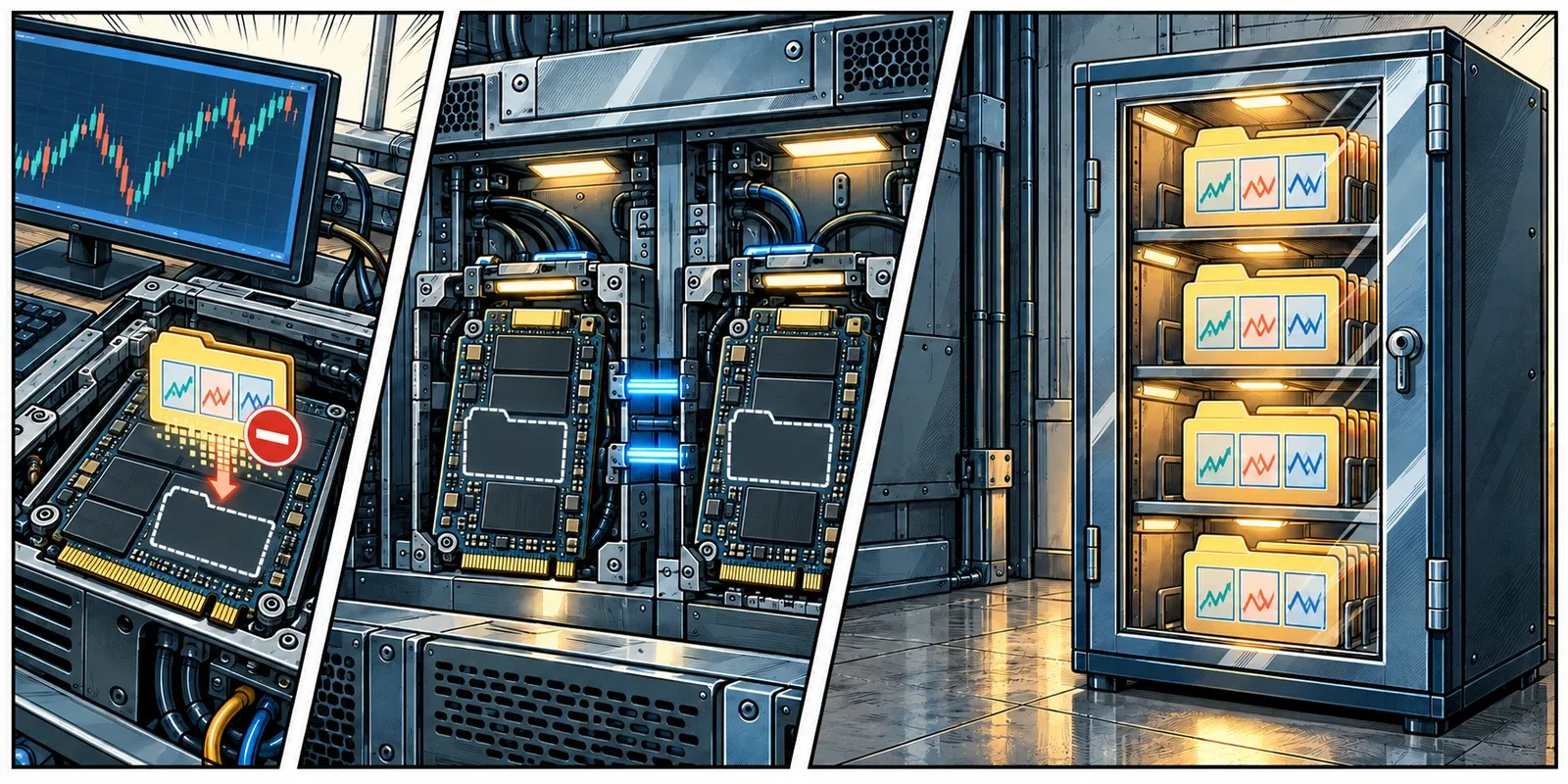
Two copies of the same mistake are still the same mistake.
Rehearse Without Creating a Second Live Trader
The first restore test should be a planned exercise, not an improvisation while an account needs attention.
Use a separate recovery environment and arrange isolation before it first starts. A cloned server can inherit saved credentials, scheduled tasks, startup programs, automated connections, or trade-copying software. Have the hosting or technical team establish the network and account controls that prevent it from reaching live trading services during the test.
The objective is to inspect the recovered setup without accidentally launching another instance against a live account. Use simulation or replay where appropriate, and verify that no live order path is available. A simulation label on one window does not establish the configuration of everything else on the machine.
Then work through a small acceptance test:
- Identify the recovery point. Record its timestamp and the platform, strategy, and add-on versions it is expected to contain. Preserve the original environment and backup while testing.
- Open the working layout. Check the required charts, instruments, session definitions, studies, and templates. Look for missing modules and unexpected default settings.
- Exercise the dependencies. Confirm custom code loads, required libraries are present, and your legitimate licenses and access arrangements can be restored. Do not bypass activation or broker authentication to make a test pass.
- Inspect representative data. Open a known historical period and the research files you rely on. Check that the history required by your studies is present and that the calculations finish.
- Record the return time and remaining work. Include missing permissions, reactivation requests, downloads, and manual steps. Keep the results with the recovery instructions.
For the eventual live return, establish current positions and working orders through the broker and follow the strategy’s documented startup procedure. NinjaTrader warns that certain account-synchronization settings can place or close live trades.11 Restoring a computer is not authorization to let its old automation take control without review.
You do not have to test every failure at once. Start with one representative workspace and one recovery point. A missing library found on a quiet afternoon is a useful result. It belongs in the instructions, not in a reassuringly green completion report.

A restore test is allowed to find a problem. That is considerably better than finding it under pressure.
Make the Next Recovery Less Personal
A useful recovery note should let a capable person help you without needing to remember your entire trading history. Keep the backup location, expected versions, secure access procedure, software-provider contacts, and the checks that define a working setup.
Update it after a meaningful change. A strategy deployment, a new study package, or a different data connection can make last month’s successful rehearsal incomplete. Keep a known-good recovery point before the change, then verify the new setup before treating it as the replacement.
At ChartVPS, every Alpha, Gamma, and Delta plan includes a daily full-system snapshot in encrypted off-server storage. Support manages restoration of the captured environment. Additional scheduled, manual, or on-demand backup capacity costs 20% of the server plan. The backup service targets full-system recovery in under two hours, with actual timing depending on the server and recovery conditions.12
That provides an infrastructure recovery layer. Keep platform exports, strategy source history, and irreplaceable research where they can serve their own purposes. Establish the retention and restore procedure for your server, then include your platform and account checks in the return to work.
The goal is not to become a backup administrator. It is to avoid making your memory the final dependency in a system you rely on.
Before the next open, knowing where the files are is reassuring. Knowing you have already brought them back is better.

Keep the setup recoverable while you still have time to check it.
Related Reading
- ECC Memory: Keeping Your Trading Data Intact
- Why Your Charts Take So Long to Load
- Daily Backups and Full-System Snapshots
Sources
- NinjaTrader Help Guide, Creating a Backup Archive. ↩ ↩
- MetaTrader 5 Help, Templates and Profiles. ↩
- MetaTrader 5 Help, Files and Folders. ↩
- Sierra Chart, Transferring Sierra Chart Settings and Data. ↩
- NinjaTrader Help Guide, Restoring a Backup Archive. ↩
- Microsoft Learn, Azure VM Backup: Snapshot Consistency. ↩
- Microsoft Learn, Volume Shadow Copy Service. ↩
- AWS Well-Architected Framework, Define Recovery Objectives for Downtime and Data Loss. ↩
- CISA, StopRansomware Guide. ↩
- CISA, How to Protect the Data Stored on Your Devices. ↩
- NinjaTrader Help Guide, Syncing Account Positions. ↩
- ChartVPS, Daily Backups and Full-System Snapshots. Service scope checked October 17, 2026. ↩