
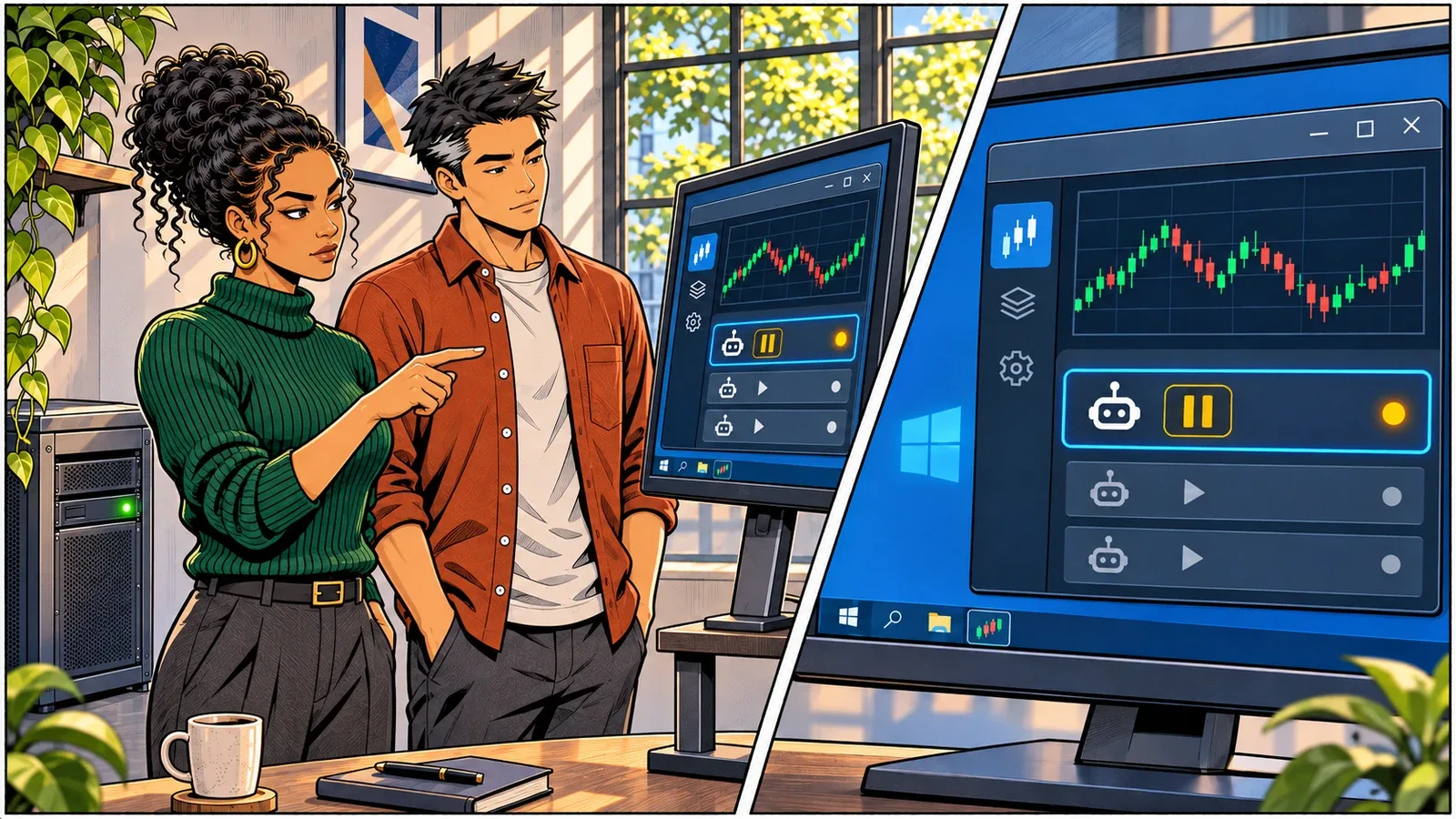

You reconnect after maintenance. The desktop opens. Your charts are there, the connection indicator looks healthy, and nothing seems particularly wrong.
Then you notice the strategy has been sitting out the session.
That is an awkward kind of downtime. The server is available. You can move the mouse. The part you bought the server to run has not returned to work.
In the first instalment of The Unattended Desk, we separated closing Remote Desktop from stopping the software on the VPS. A restart is a different event: the running applications stop, and the setup has to find its way back through startup, connections, and trading permissions.
This second instalment is about that return. Where does it stop? Which steps happen automatically? And how do you find out before a live session is the test?
The Computer Came Back First
Think of recovery as a sequence of things you can verify, rather than one green light.
| Layer | What You Can Confirm | What Still Needs Checking |
|---|---|---|
| Windows | The VPS is reachable and the operating system is running | The required user session and applications |
| User session | The intended Windows account has a desktop session | The correct platform instance and saved configuration |
| Platform | NinjaTrader or MetaTrader has opened | Broker authentication, data, and application errors |
| Connections | The required account and feeds are connected | Fresh data and the strategy’s own readiness |
| Strategy | Its state, permissions, and account match the recovery plan | Ongoing operation and any conditions that should stop it |
These layers can come back at different times. A chart window can appear before its history finishes loading. A platform can be connected while an individual strategy remains disabled. An account login can succeed while a third-party component is waiting for attention.
The useful question is not simply, “Is it online?” It is, “What is the last recovery step we have evidence for?”
That question also makes a support conversation much better. “Windows is reachable, NinjaTrader is open, but this strategy is disabled” gives someone a place to start. “The VPS isn’t working” leaves several very different problems in the same bucket.
Measure recovery at the point where your trading workflow is ready, not where Windows first answers.
Startup Isn’t One Switch
There is a small Windows distinction with surprisingly large consequences: at startup and at logon are different triggers.
A boot-triggered task can start after Windows boots. A logon-triggered task waits for the specified user to sign in.12 If your launch arrangement depends on that sign-in, a restarted VPS can sit quite happily at the login screen while the trading platform never opens.
Task Scheduler also has to decide whose context the application runs in. An interactive task uses an existing logged-in session. Other logon modes can run without presenting an application on the desktop you later open through Remote Desktop.3
So a task showing that it ran is not proof that your usual workspace is waiting for you.
This is where well-meant shortcuts become troublesome. “Run whether the user is logged on or not” sounds like the answer to unattended trading. It is a scheduling choice, not a guarantee that desktop software will behave as it does in your normal session.
An API bot built to run as a background service may have a documented boot-time recovery path. A desktop trading platform has different requirements. Windows services are normally non-interactive; wrapping a desktop application in a service does not, by itself, solve those requirements.4
Before changing anything, establish three facts with your provider or software developer:
- What launches the application after a restart: boot, user logon, or a manual action?
- Which Windows account and platform instance does that launch use?
- What prevents a second launcher from starting a duplicate instance?
There is no need to put account passwords into a handy startup script or bypass sign-in security to investigate this. Start by identifying the mechanism already in use. Two competing fixes can be harder to diagnose than the original missing step.
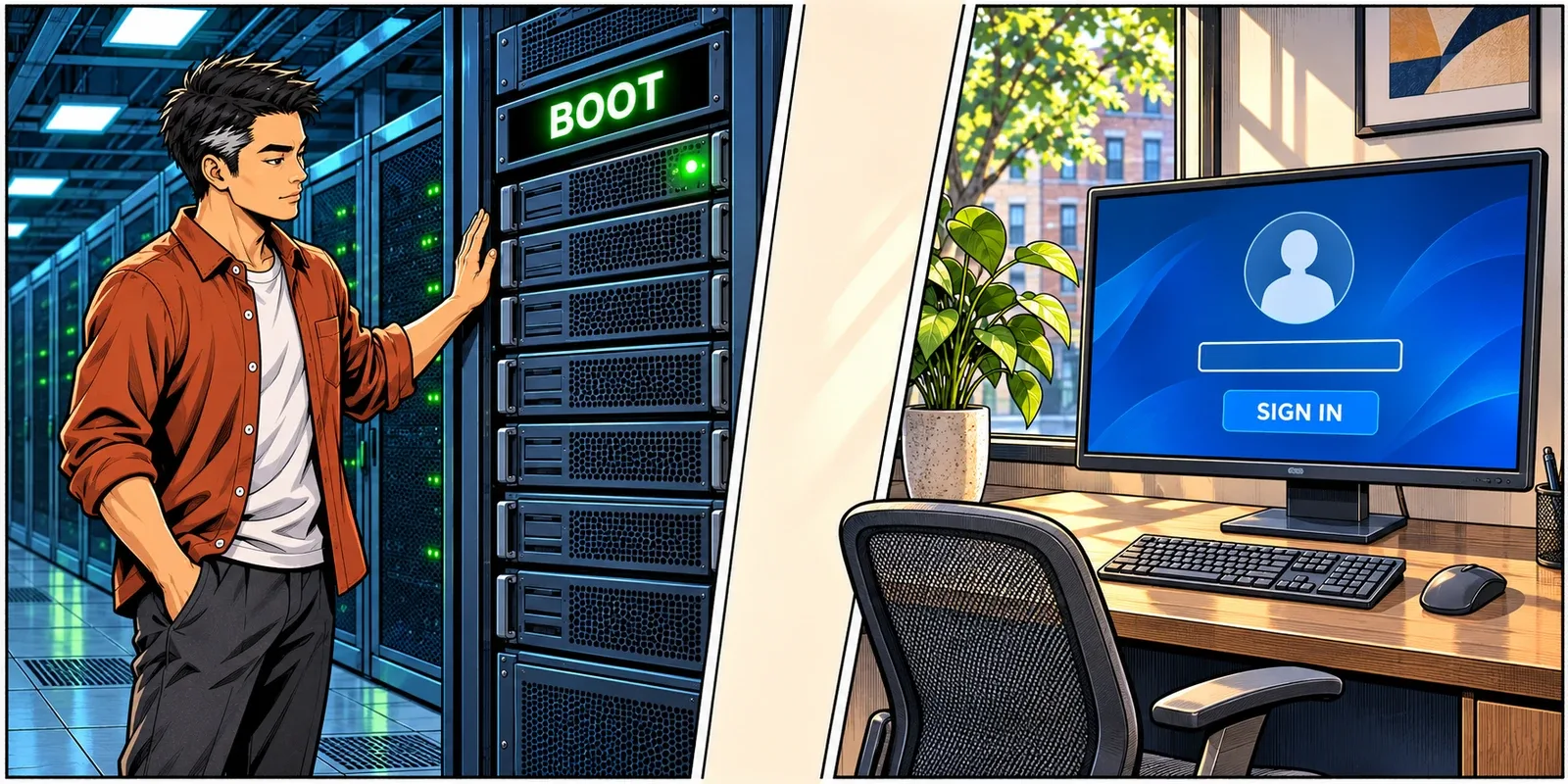
Find out what starts the platform, under which account, before adding another way to start it.
NinjaTrader Can Restore a Strategy Without Enabling It
For NinjaTrader Desktop users, a familiar chart is especially easy to misread.
NinjaTrader documents that a strategy running on a chart is retained when the platform closes. When NinjaTrader is reopened, that strategy can still be applied to the chart with Enabled set to false.5
The workspace has returned. That does not mean the strategy has resumed.
Look at the strategy’s actual status in the Control Center’s Strategies tab. NinjaTrader distinguishes disabled strategies from enabled ones waiting for a flat position before starting live operation. Those are different states, not different shades of “fine.”6
There is another trap here: Start Behavior is about what happens when a strategy starts. It is not a Windows startup setting. Some synchronization options can submit live orders to bring the account into line with the strategy’s calculated position.7
Changing that setting merely to make a strategy appear active is a poor recovery procedure. It can change trading behavior, not just solve an inconvenience.
For your setup, record the expected strategy, account, instrument, and post-restart state. Decide who is responsible for reviewing that state and authorizing a return. If the intended outcome is a manual review before enabling, a stopped strategy may be doing exactly what you asked it to do.
A reboot test should reveal that dependency. Discovering it during a quiet rehearsal is useful. Discovering it after watching a setup pass without an entry is rather less enjoyable.
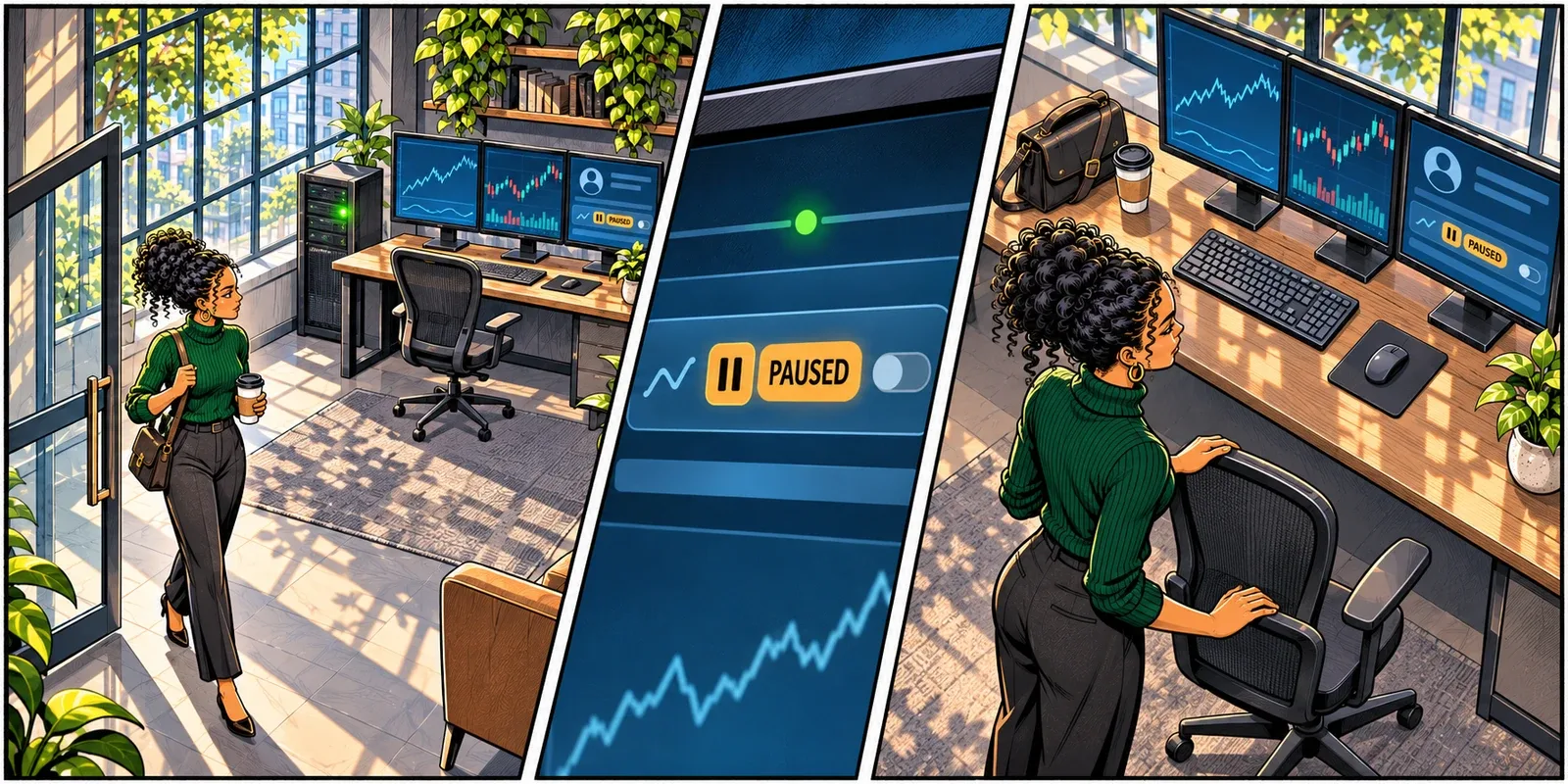
A strategy that waits for your approval is only a surprise if nobody planned for the approval.
MetaTrader Has More Than One Trading Permission
In MetaTrader 5 running on a Windows VPS, work through the permissions separately. This is the desktop terminal, not MetaQuotes’ separate virtual-hosting service.
There is a platform-wide automated-trading permission and an individual permission for each Expert Advisor. The global setting can block trading even when the EA’s own setting allows it. An EA may still perform calculations while automated order placement is prohibited.8
MT5 also provides protective options that disable automated trading when accounts, profiles, or chart symbols and periods change.8 Those protections have a purpose. Do not clear them all because the setup is quiet after a restart.
First confirm the account and profile you intended to restore. Then check the EA attached to each relevant chart, its trading permission, and its inputs. MetaTrader exposes the attached EA’s identity and trading status on the chart and in the Navigator.9
The logs are useful here. The Journal records platform events; Experts contains messages from EAs and indicators.10 Look around the restart time for connection failures, initialization errors, or a component asking for attention. Read the message before changing a setting.
For a third-party EA, ask its developer what successful recovery looks like. Does it reconstruct its state from the account? Does it wait for a new tick or a particular session? Does it report a successful initialization? Those are properties of that EA, not promises the VPS can make on its behalf.
And do not use an immediate new trade as the test. A healthy strategy may have no reason to enter. You need evidence it is able to do its job, not a position opened to reassure you.
Check the permissions and the logs. Silence alone tells you very little about an EA.
Put Maintenance on the Trading Calendar
The answer to a restart problem is not to stop updating Windows indefinitely. It is to make maintenance part of the operating plan.
Work with the server administrator on the actual update policy for the installed Windows edition. Microsoft provides restart scheduling and policy controls, but their behavior depends on the operating system and configuration. Its Windows 10 and 11 guidance also warns that compliance deadlines can override active hours.11
A convenient-looking setting is not a maintenance agreement.
For a trading setup, the agreement needs a window, a timezone, a recovery owner, and enough time to check the application afterwards. “Sunday evening” is not specific enough when one person means Toronto and another means the hours before the Tokyo session.
Include broker and data-service availability in that window. A restart can be technically complete while a weekend service break prevents the connection test you planned to run. If fresh market data is unavailable, record what remains unverified and who will check it when the feed returns.
Allow a buffer for loading chart history, reconnecting accounts, and resolving a prompt that was not present last time. Do not place the end of maintenance exactly against the first minute your strategy is expected to operate.
One simple improvement: define who declares the job finished. The person confirming server health and the person confirming strategy readiness may be different. Both checks belong in the handoff.
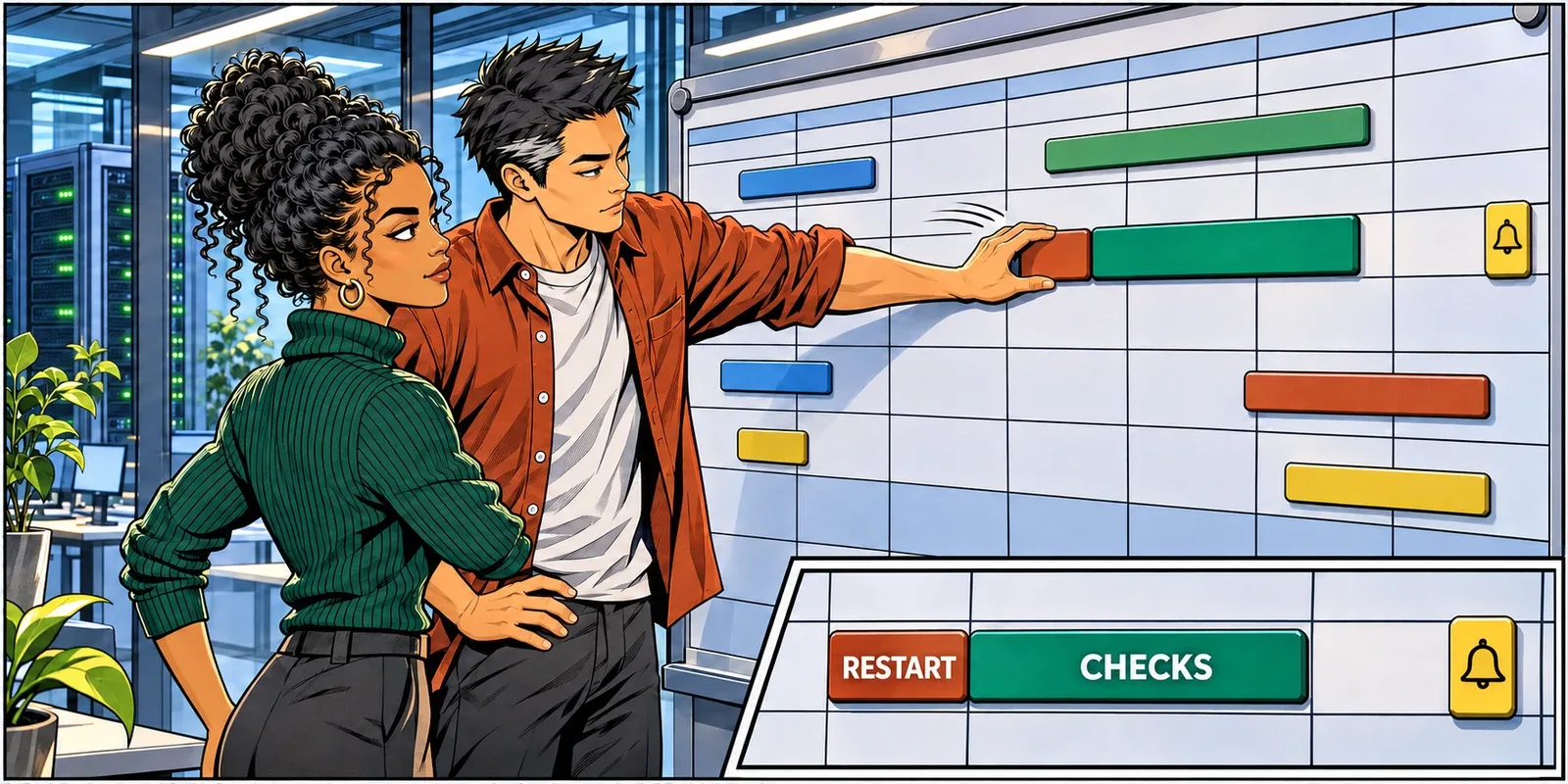
A maintenance window needs room for the checks after the reboot.
Rehearse the Whole Return
Use a simulation or demo setup for the rehearsal, with live copier destinations and live-order routes disabled. Do not surprise a running production strategy with a reboot to see what happens. Arrange the test with whoever manages the server.
You are looking for missing dependencies, not trying to set a boot-speed record.
Before the Restart
Record the Windows user, platform instance, account, workspace or profile, and the strategies expected to return. Save the relevant settings and confirm you have a recoverable backup. Identify any step that deliberately requires a person.
Also agree what a successful result looks like. For a demo EA, that might be the correct account, expected chart attachments, allowed trading, fresh data, and a successful initialization message. For a NinjaScript strategy, it may include a documented manual review before enabling.
Do not quietly perform those manual steps during the test and then call the recovery automatic. That is an easy way to give tomorrow’s unattended setup a capability it does not have.
During the Return
Record four milestones: Windows reachable, platform open, required connections ready, and the workflow verified under your test procedure.
Here is an illustrative rehearsal log, not a benchmark or a promised recovery time:
| Elapsed Time | Observation |
|---|---|
| 0:00 | Restart requested |
| 0:25 | Windows reachable |
| 0:45 | Platform open |
| 2:10 | Required connection and fresh data confirmed |
| 3:00 | Account and strategy state verified; planned manual step completed |
That is a 25-second return for Windows and a three-minute return for this workflow. The gap is where you investigate. Was it waiting for sign-in? Loading history? Awaiting authentication? Waiting for the operator?
If a stage never completes, record not reached. A blank cell is not a successful recovery with an unusually long duration.
After the Test
Keep the timestamps, any errors, and the exact manual interventions. Confirm you have only the intended platform and strategy instances. Check that the person responsible actually received the restart or process alert, rather than assuming it left the server successfully.
Before resuming production, use your established procedure to reconcile the broker’s working orders and positions with the strategy’s state. A server restart does not establish that the trading account is flat. We covered that distinction in The Order Timed Out. Did It Still Go Through?.
Repeat the rehearsal after a material change to startup tasks, platform versions, credentials, or strategy deployment. A test belongs to a configuration. Once you change the configuration, it is reasonable to ask what you have invalidated.
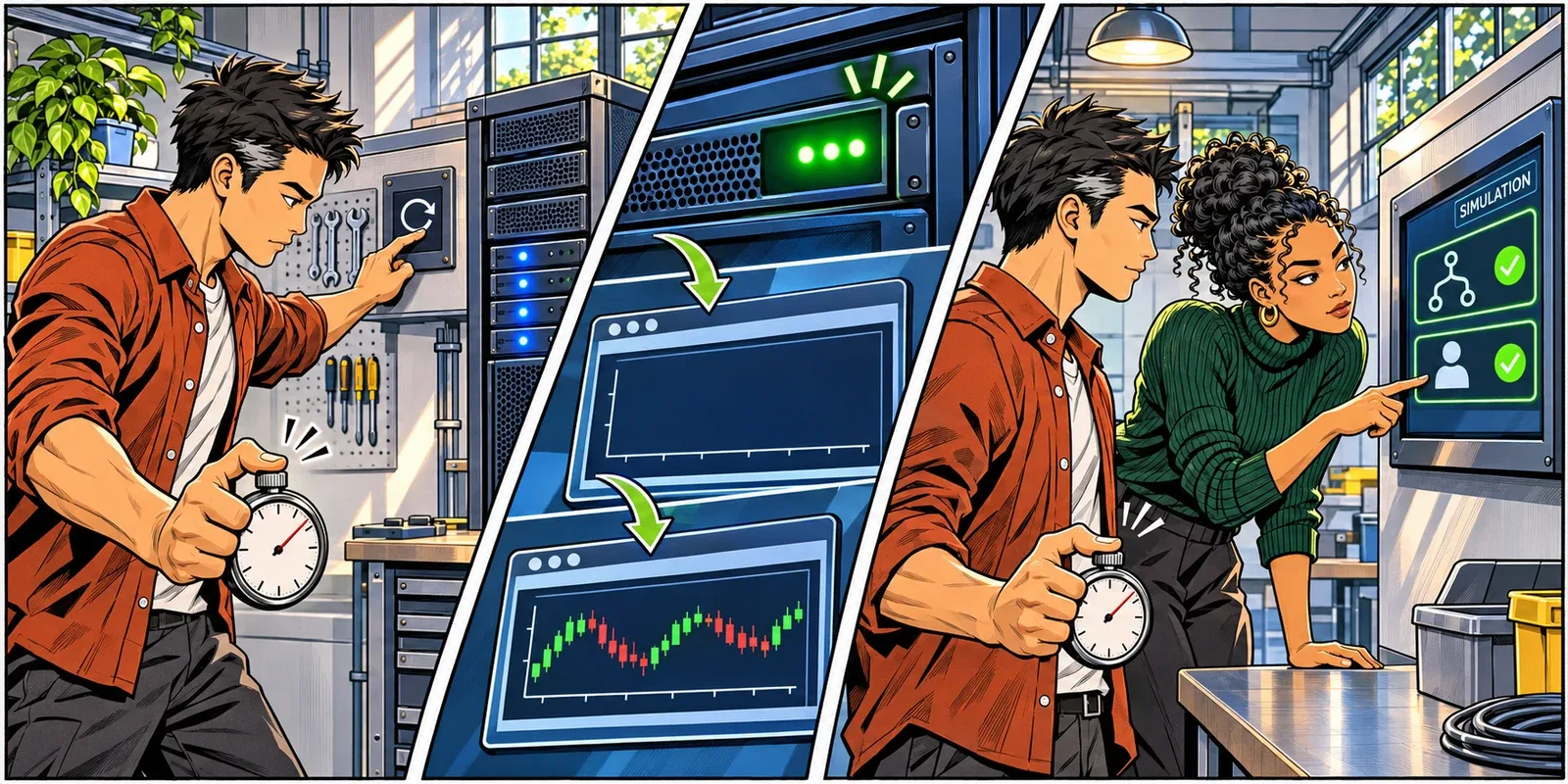
Every manual step you discover in rehearsal is one fewer assumption left running overnight.
What Good Hosting Should Contribute
This is a hosting problem as well as an application problem. The infrastructure should reduce avoidable interruptions and give you a dependable environment in which to recover. It should also make an interruption easier to investigate.
At ChartVPS, ServerIQ records restarts and shutdowns, monitors selected trading-platform processes, and tracks resource pressure. It is included with every plan; support can help activate it and configure the monitoring.12 That lets you distinguish a server restart from a platform process stopping, or see whether a busy recovery coincided with CPU or memory pressure.
Its process status does not establish that an individual strategy is enabled or that the broker account is reconciled. That final check belongs to the application and the recovery procedure you have tested.
Hardware has a role in the return, too. ChartVPS uses Ryzen 9 9950X processing and Gen4/Gen5 NVMe storage in its trading infrastructure.13 CPU capacity and fast local storage are relevant when the platform rebuilds calculations and loads saved history. They cannot complete an authentication prompt or make a deliberate trading-permission decision for you.
Ask your provider to explain the infrastructure side of recovery: how maintenance is coordinated, what restart evidence is available, and who helps if Windows returns but the platform does not. Agree separately who verifies the trading setup. Those responsibilities should meet in a clear handoff, not disappear between two support teams.

The payoff is quite practical. After the next restart, you should know what returns on its own, what waits for you, and what will tell you that something stopped along the way.
That is a much better basis for stepping away than a desktop that happens to look familiar.
The useful infrastructure edge is fewer avoidable interruptions, and a tested way back when one happens.
Related Reading
- Close the Laptop. What Happens to Your Trading Bot? First in The Unattended Desk: disconnecting, signing out, and what continues running.
- Your Server Is Online. Is Your Strategy Still Running? Monitoring the server, the platform, and the work inside it.
- Could You Rebuild Your Trading Setup Before the Open? Preparing the configuration and backups recovery depends on.
Sources
- Microsoft Learn, Boot Trigger Example. ↩
- Microsoft Learn, Starting an Executable When a User Logs On. ↩
- Microsoft Learn, TASK_LOGON_TYPE Enumeration. ↩
- Microsoft Learn, Interactive Services. ↩
- NinjaTrader Desktop Help Guide, Working with Automated Strategies. ↩
- NinjaTrader Desktop Help Guide, Strategies Tab. ↩
- NinjaTrader Desktop Help Guide, Syncing Account Positions. ↩
- MetaTrader 5 Help, Platform Settings: Expert Advisors. ↩ ↩
- MetaTrader 5 Help, Expert Advisors and Custom Indicators. ↩
- MetaTrader 5 Help, Platform Logs. ↩
- Microsoft Learn, Manage Device Restarts After Updates. ↩
- ChartVPS, ServerIQ: Trading Server Monitoring and Alerts. ↩
- ChartVPS, Trading Infrastructure Technology. ↩