
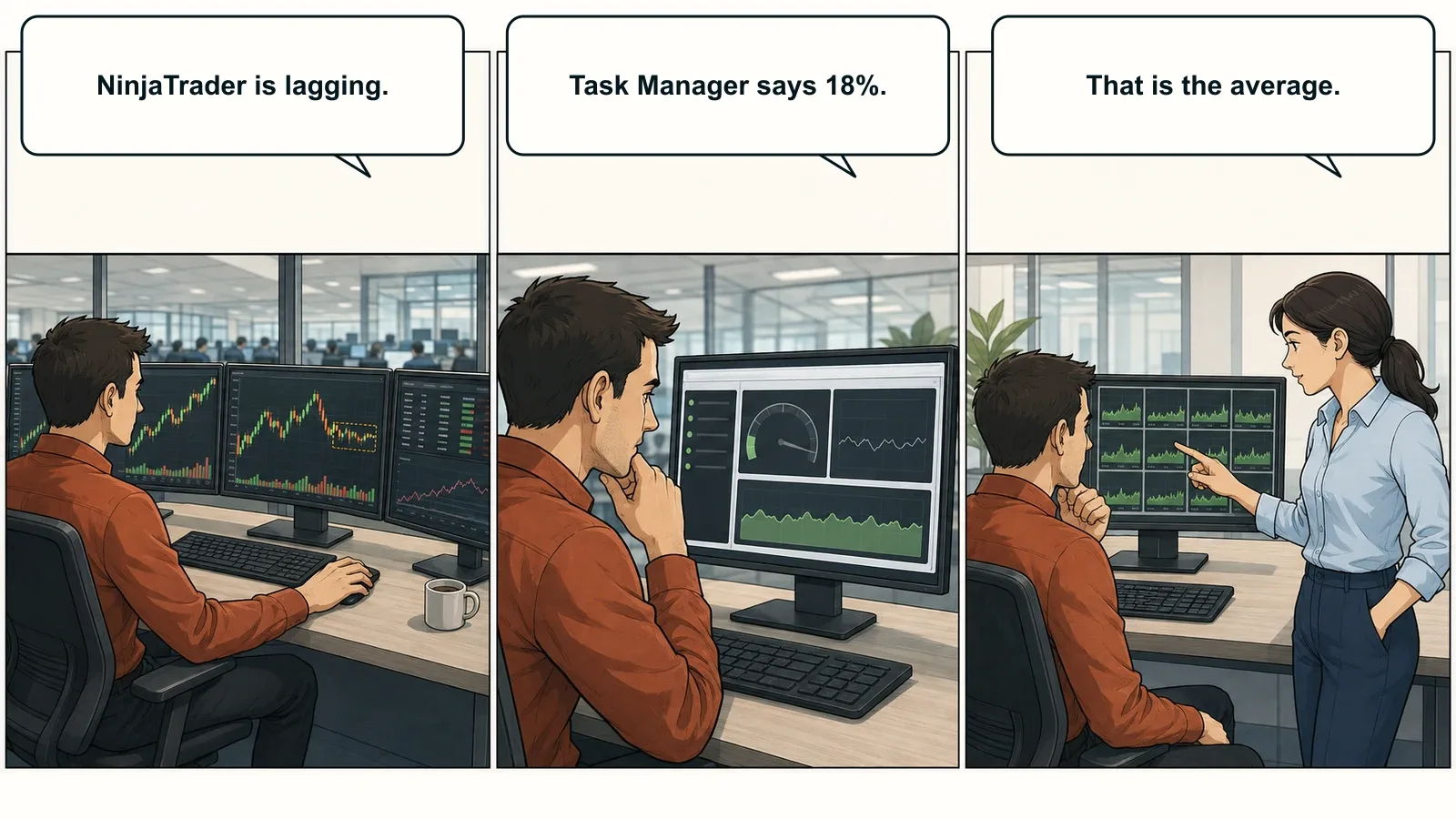
A trading platform can lag while most of the CPU sits idle. The reason is often one busy thread, quietly buried inside a reassuring total.
Most traders meet single-thread performance as a symptom. A chart hesitates at the open. An indicator falls behind the tape. Market Replay takes far longer than expected. Windows reports 18% CPU usage, which appears to clear the processor of any wrongdoing.
It does not.
The total tells you how much of the processor is busy on average. It does not tell you whether one important processing path has reached its limit.
A Core And A Thread Are Not The Same Thing
One definition is worth getting straight.
A core is physical processing hardware inside the CPU. A thread is an ordered stream of software work assigned to that hardware. A core can handle more than one thread, and a processor can handle many threads across many cores.
What it cannot do is automatically divide every ordered thread into smaller pieces.
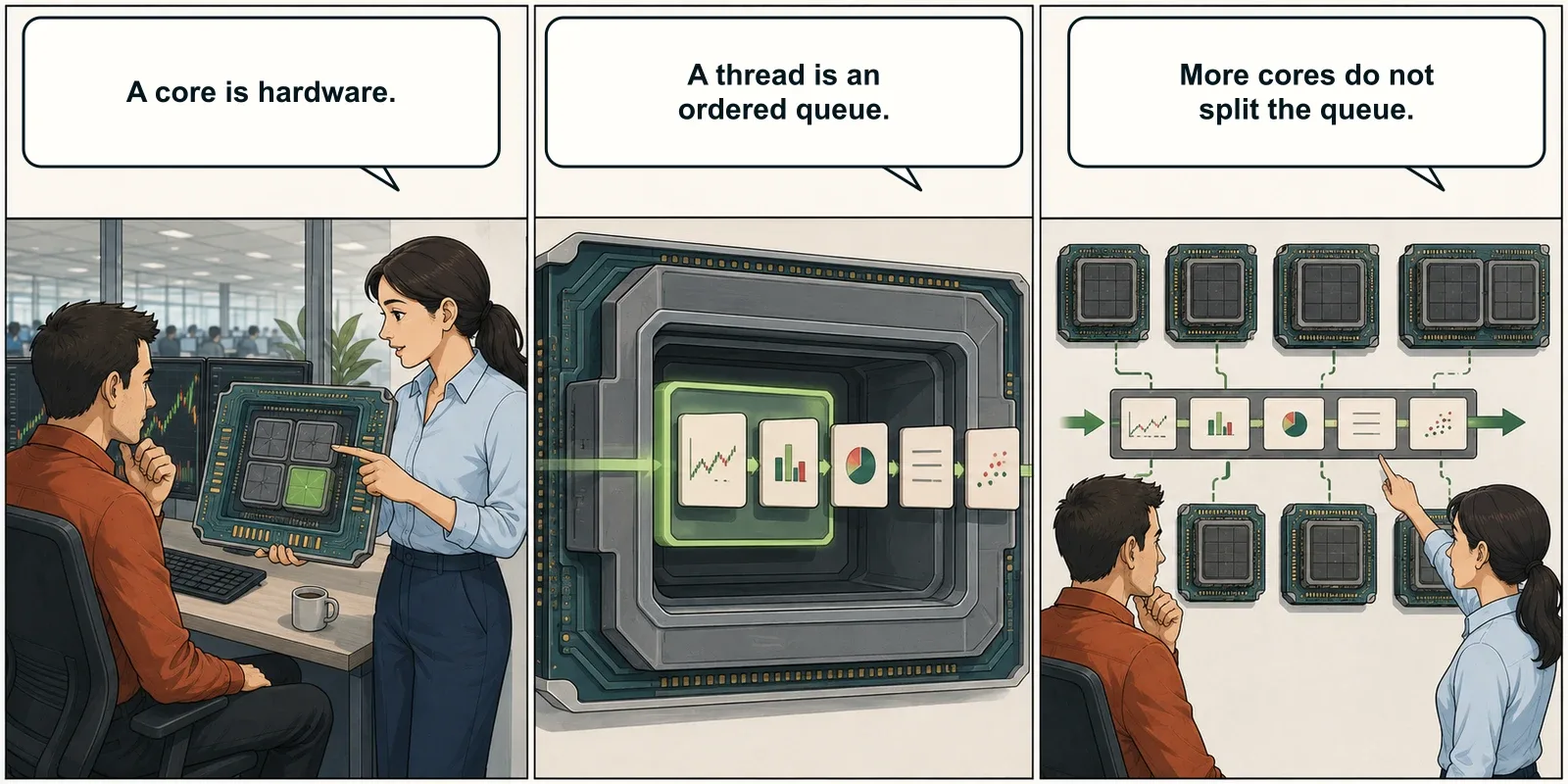
Imagine a thread as a queue. If each item depends on the result ahead of it, adding more workers around the queue does not remove that dependency. The work still needs a fast path through each step.
This matters because modern trading platforms contain both kinds of work: tasks that can spread across the processor and tasks that must remain in order.
One Instrument Can Carry A Long Queue
NinjaTrader is multi-threaded. Its interface, connection adapters, market-data processing, charts, background services, and NinjaScripts can use different parts of the processor at the same time.
That does not mean the work divides evenly.
NinjaTrader support has explained that windows using the same instrument share an instrument thread for real-time processing.1 Ten ES charts are not automatically ten independent processing paths.
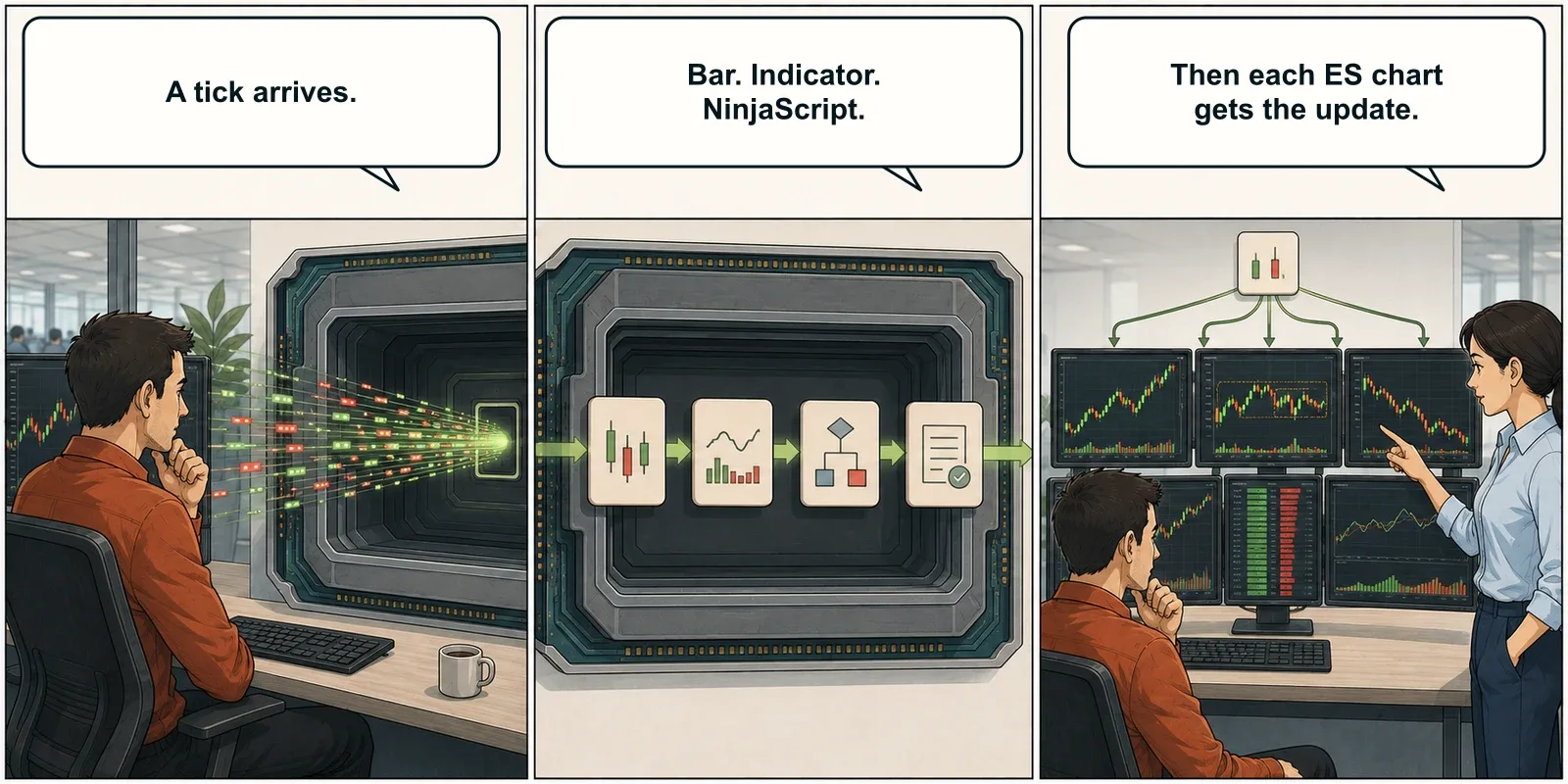
The order is deliberate. An instrument should not disagree with itself because dependent events were processed out of sequence. If one calculation takes too long, however, the instrument thread can fall behind while another chart or part of the platform remains responsive.2
This principle extends beyond NinjaTrader. Strategy runtimes, charting engines, broker APIs, spreadsheets, and databases all contain ordered work. More cores cannot make a later calculation begin before its inputs exist.
The Average Can Hide The Limit
Task Manager normally reports total CPU utilization as an average across all logical processors.
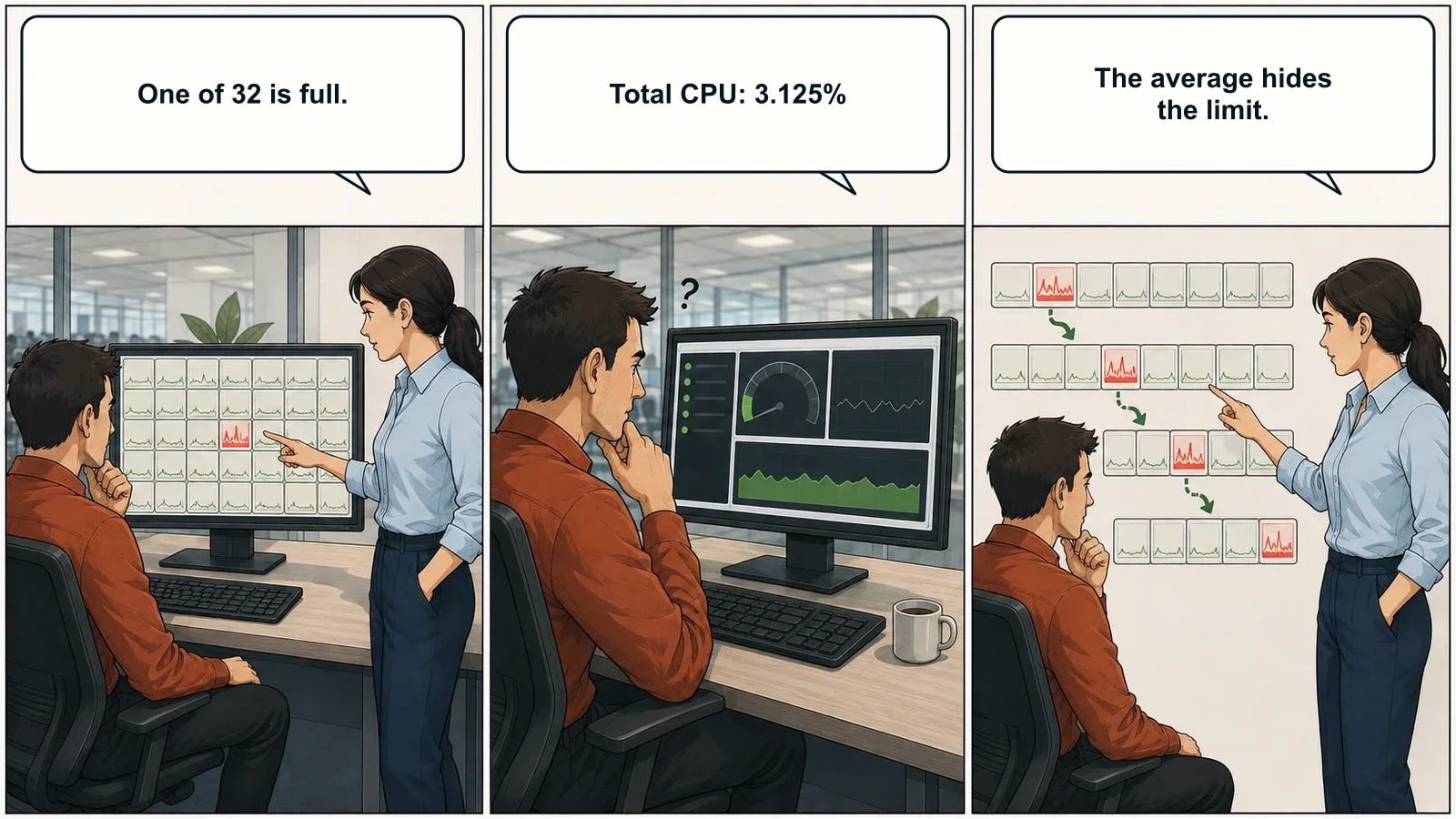
On a system with 32 logical processors, one fully occupied logical processor represents only 3.125% of total CPU capacity. On a 16-thread system, it represents 6.25%.
| Logical processors | One fully occupied logical processor |
|---|---|
| 8 | 12.5% |
| 16 | 6.25% |
| 32 | 3.125% |
Windows can also move a busy software thread between logical processors. Instead of one graph staying pinned at 100%, several graphs may spike in turn. The pressure moves. The bottleneck does not.
That is why Remote Desktop can feel normal while one instrument, indicator, or strategy falls behind. The CPU meter is accurate. It is answering a broader question than the trader is asking.
Switch Task Manager to Logical processors and watch the individual graphs while the slowdown occurs.3
What Makes One Core Fast
Clock speed gets most of the attention because it is easy to print on a specification sheet. A 5.7 GHz figure is useful. It is not the whole answer.
Single-thread performance comes from three main contributors:
- Frequency: how many clock cycles the processor can run each second.
- Instructions per clock (IPC): how much useful work the architecture completes during each cycle.
- Cache: fast memory close to the core that reduces trips to slower system memory.
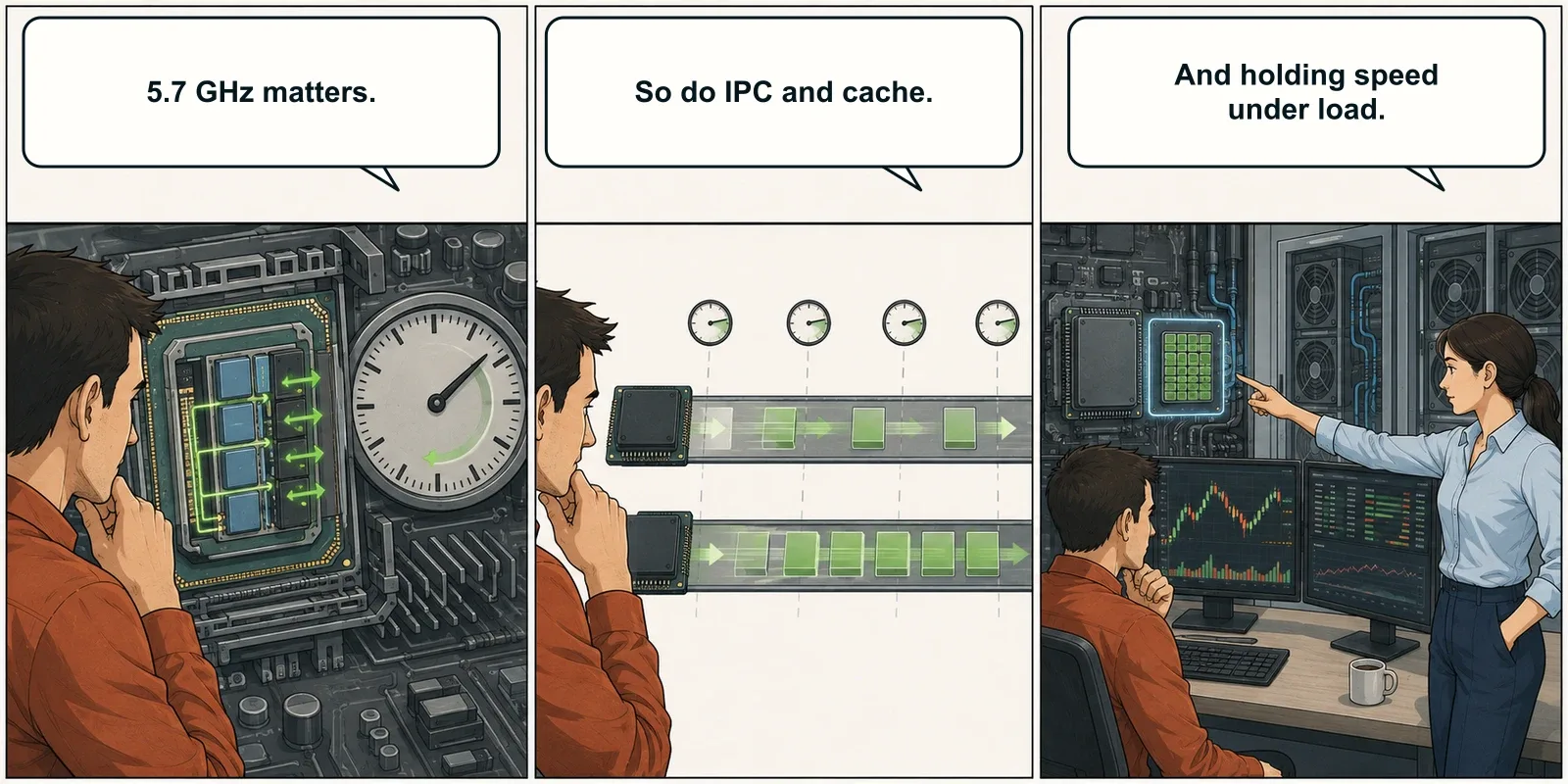
Two processors at the same advertised frequency can perform very differently. A newer architecture may complete more instructions per cycle, predict branches more accurately, and keep the core supplied with data more effectively.
Sustained performance matters too. Temperature, cooling, and power limits affect how long a processor can remain fast. A brief boost looks good in a product table. A trading platform needs the pace to hold through a busy session, deep backfill, or long optimization run.
More Cores Still Matter
Fast individual cores solve only half the problem. A serious trading environment also has independent work to distribute.
Different instruments can use different threads. Platform instances, scanners, databases, copy-trading services, Windows processes, and research tools all need capacity. Backtesting and optimization make the distinction especially clear.
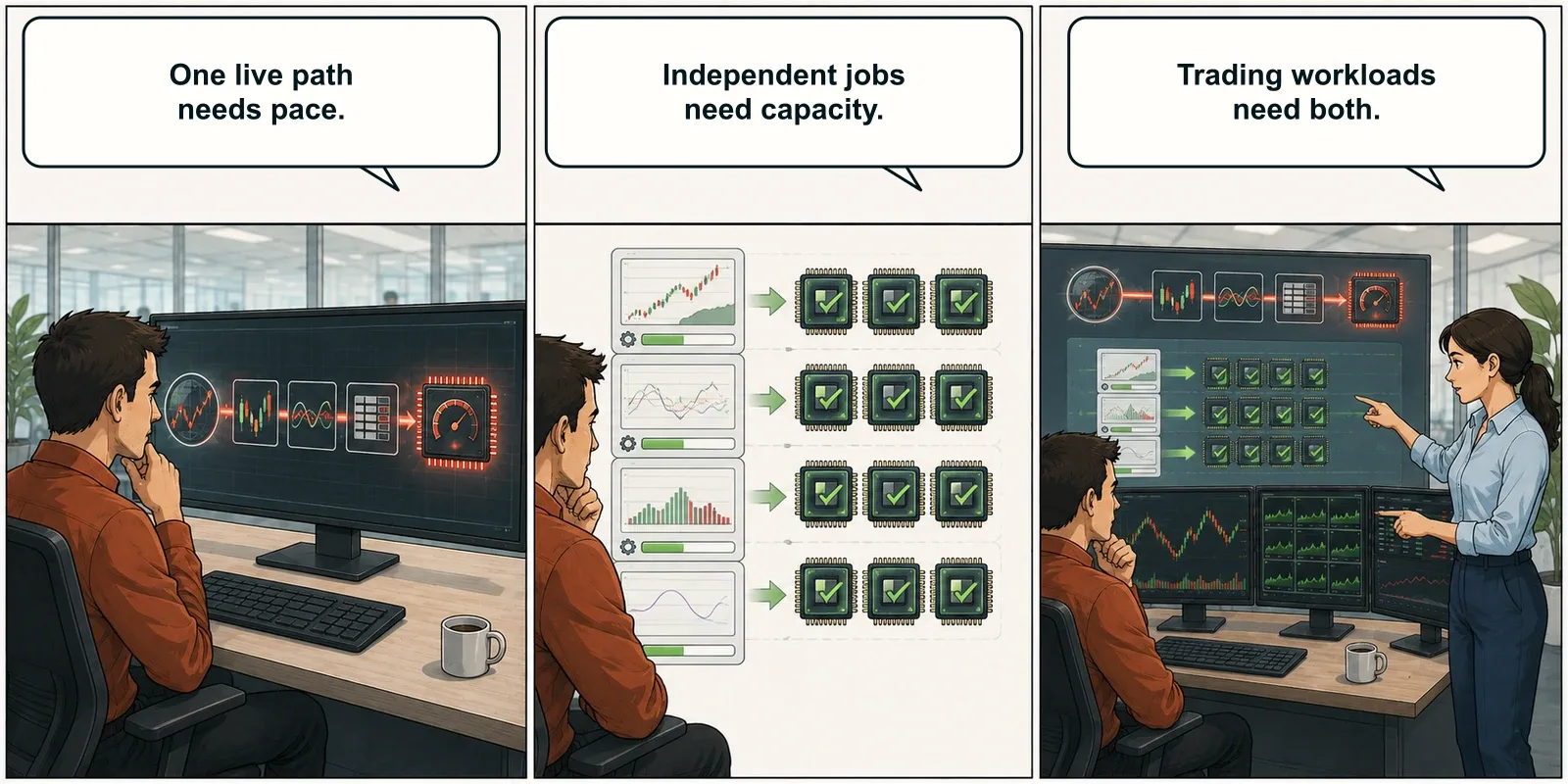
One strategy run can contain calculations that must stay in sequence. A parameter sweep can distribute separate test iterations across many cores. NinjaTrader states that Strategy Analyzer can use all available CPU cores, with additional memory benefiting optimization as core use expands.4
The useful question is not “single-thread or multi-core?” Most substantial trading workstations need both.
- Several charts, DOMs, and NinjaScripts on one instrument reward fast single-thread performance.
- Many instruments, scanners, and platform instances create more parallel work.
- Strategy optimization benefits from core count, fast individual cores, and enough memory to keep those cores fed.
The Large vCPU Number
Hosting plans often reduce the CPU conversation to a single number: 16 vCPU.
That number describes virtual processing capacity. It does not identify the processor model, generation, single-thread performance, cooling, or how the capacity is allocated.
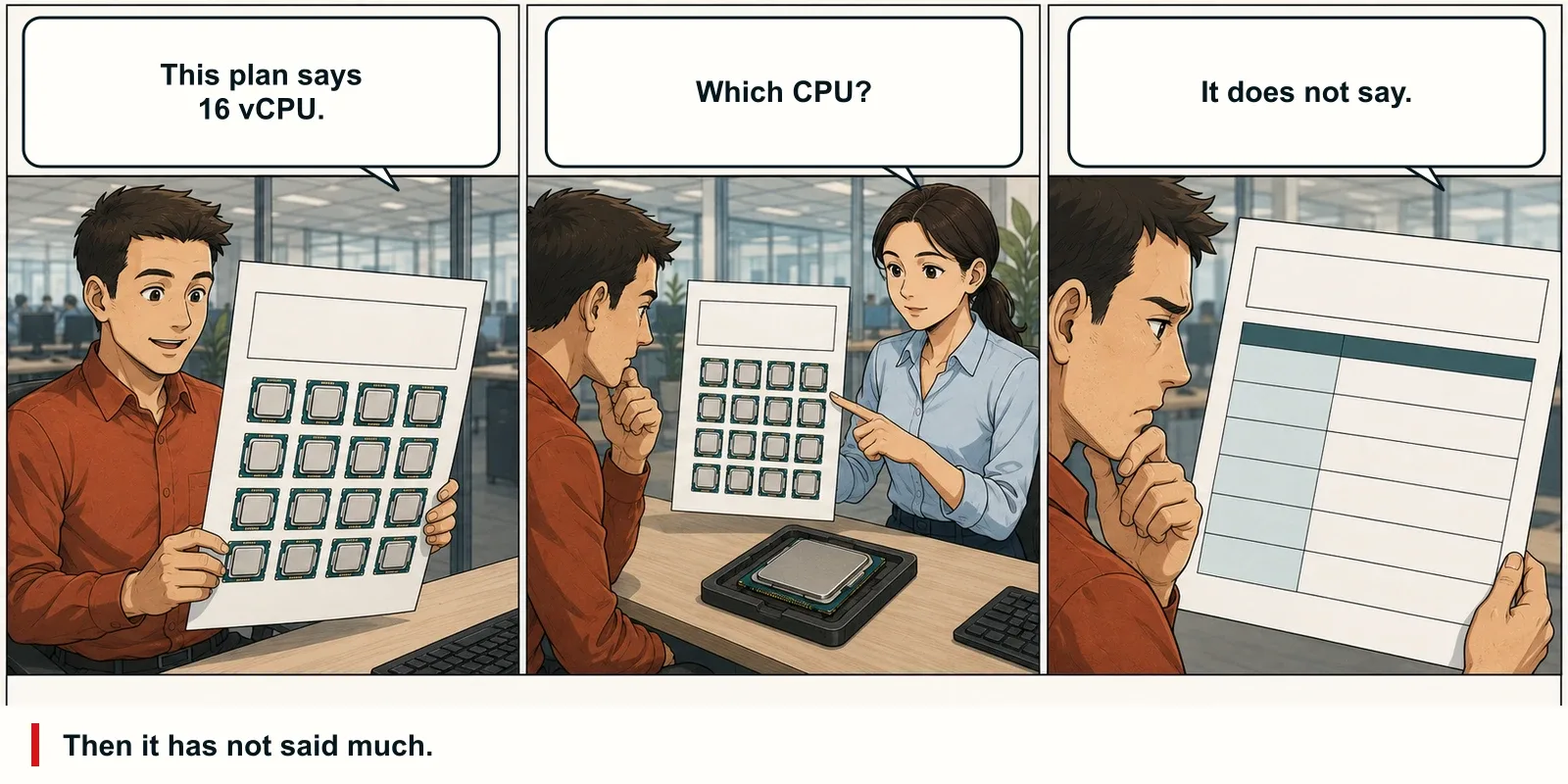
Processors with the same core count can perform very differently. An older server CPU may offer strong total throughput while trailing a current high-frequency processor on the thread handling a live instrument.
Before comparing plans, look for the exact CPU model, a current single-thread benchmark, total multi-thread capacity, dedicated or shared allocation, memory type, and sustained-load behavior.
The vCPU count belongs in the comparison. It simply should not be the entire comparison.
Why The Ryzen 9 9950X Fits
The AMD Ryzen 9 9950X handles both sides of this workload. AMD specifies 16 cores, 32 threads, boost frequency up to 5.7 GHz, and 64 MB of L3 cache.5
As of September 7, 2026, PassMark reports a single-thread rating of 4,727 and ranks it 25th out of 5,993 CPUs in its database. That places the 9950X inside the top 1% for single-thread performance. Its overall CPU Mark is 65,703.6
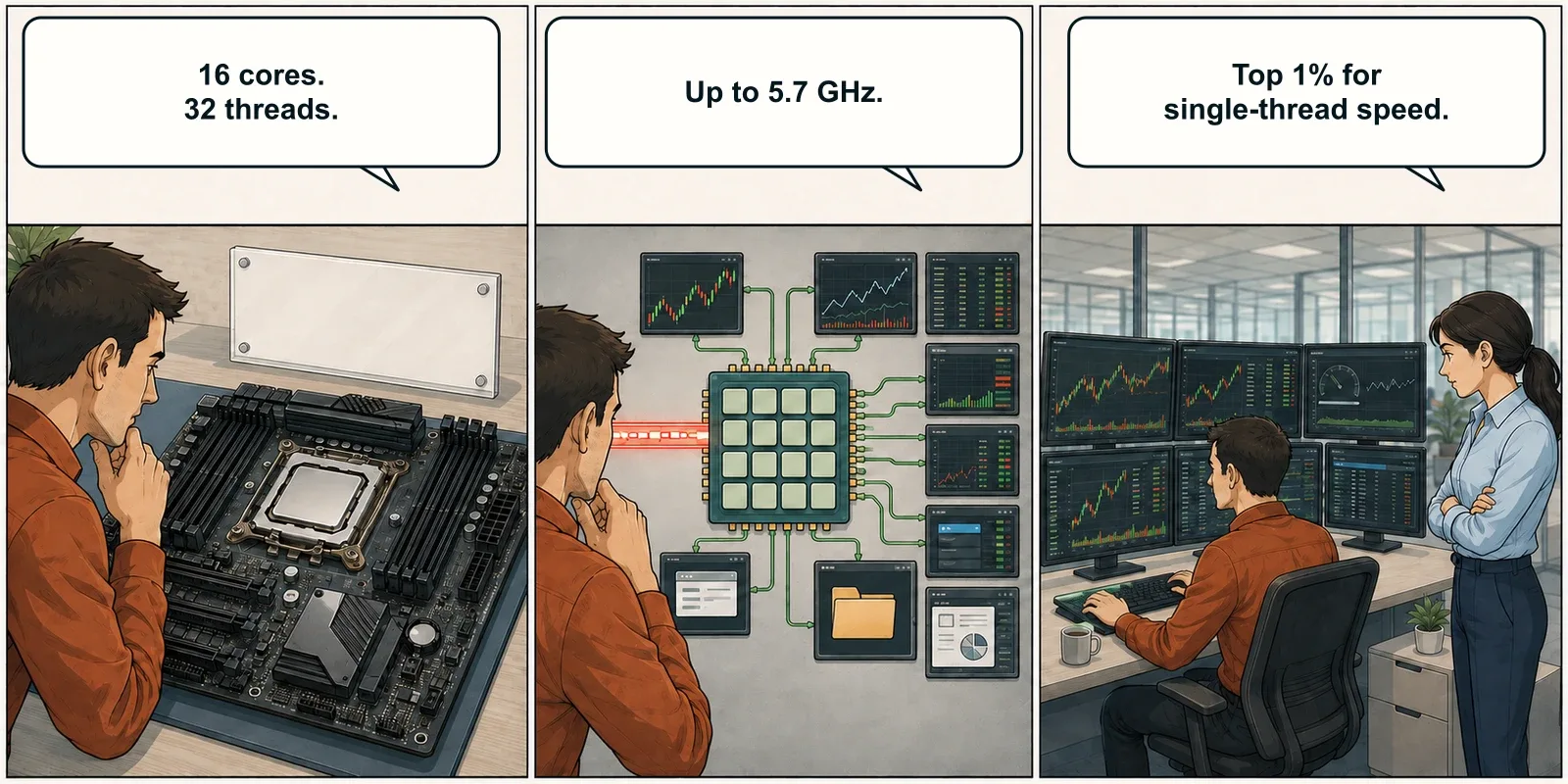
This is why ChartVPS built the Alpha Series around Ryzen 9 9950X processing. The model name is not the argument. The balance is.
Fast individual cores suit chart updates, indicators, platform logic, and NinjaScript. The wider processor leaves room for more instruments, background services, research, and repeated Strategy Analyzer runs.
Benchmark rankings change as new processors enter the database. Keep the model, result, and test date together. A dated figure can be checked. “Very fast” cannot.
Test The Workspace You Trade
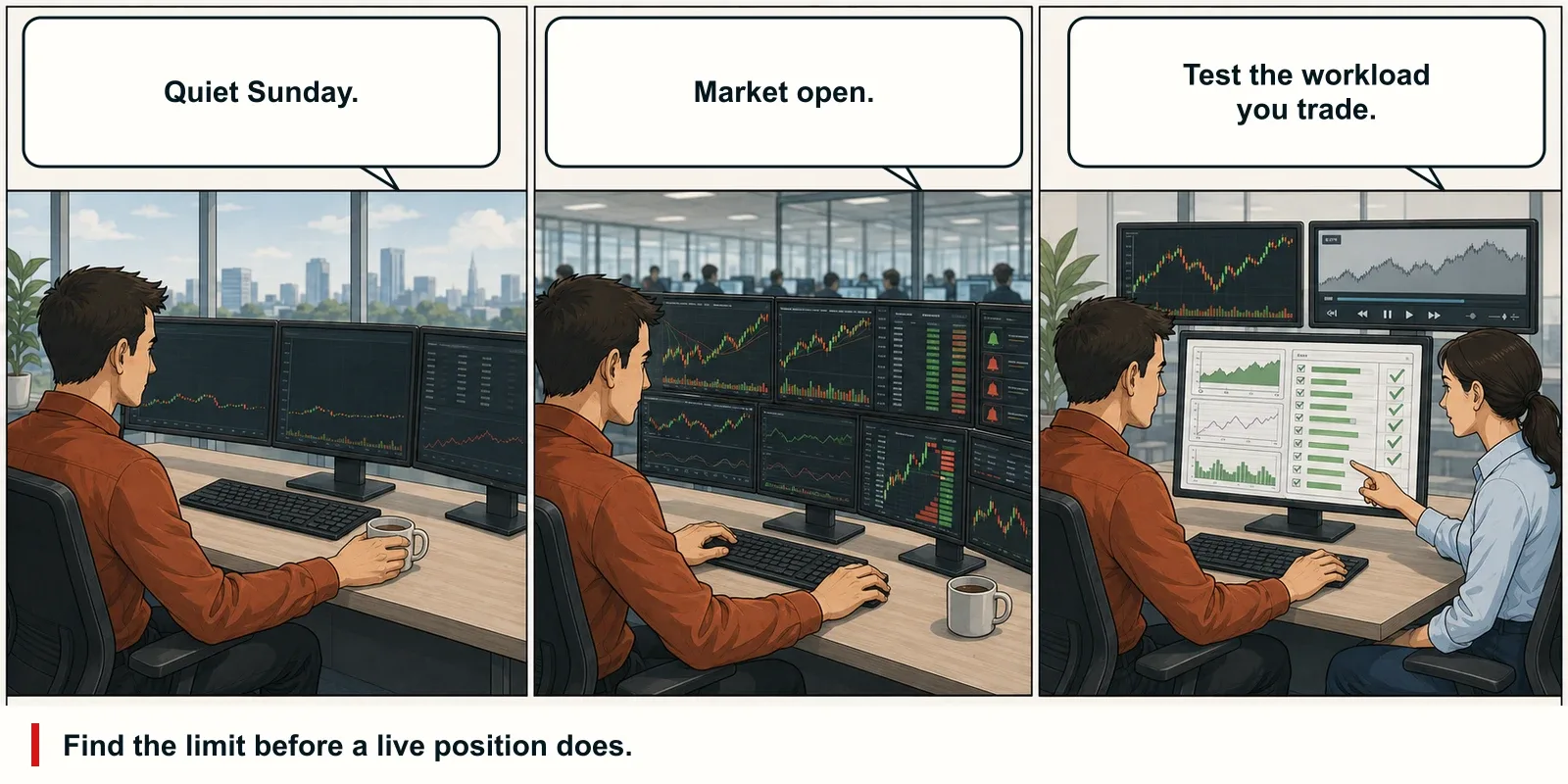
Benchmarks narrow the field. Your actual workspace makes the final decision.
Use the same instruments, data depth, bar types, indicators, NinjaScripts, workspaces, and calculation modes used in production. Run recorded market data at a representative speed or test during a comparable market period.
For NinjaTrader, calculation settings can change the load substantially. An indicator running OnEachTick asks more of the processor than the same logic running OnBarClose. Tick Replay can generate thousands of historical events per bar because it rebuilds the sequence from individual ticks.7
Check the system methodically:
- View individual logical processors.
- Reproduce the slowdown with the real workspace or realistic replay.
- Record chart-load, backfill, replay, backtest, and optimization times.
- Check memory and storage pressure before blaming every pause on the CPU.
- Change one variable at a time and repeat the test under comparable conditions.
Do this before a live position is involved. The goal is not to make every CPU graph busy. It is to learn which resource reaches its practical limit first.
Core Count Measures Capacity. Single-Thread Measures Pace
Trading platforms still contain ordered work. That is why single-thread performance still matters, even when the software can use many cores.
One or two heavily loaded instruments may be limited by the speed of an individual core. A quant running large parameter sweeps can reduce completion time with more cores. A serious trading environment usually needs both.
Start with the workload. Then read the specification sheet with better questions.
Related Reading
Sources
- NinjaTrader Support Forum, Question Regarding Computing Core Utilization When Displaying Historical Charts. ↩
- NinjaTrader Support Forum, NT8 Lagging: Instrument Processing And UI Threads. ↩
- Microsoft Learn, Troubleshoot Processes By Using Task Manager. ↩
- NinjaTrader Help Guide, Minimum System Requirements And Recommended Specifications. ↩
- AMD, AMD Ryzen 9 9950X Specifications. ↩
- PassMark, AMD Ryzen 9 9950X Benchmark. Figures checked September 7, 2026. ↩
- NinjaTrader Help Guide, Developing For Tick Replay. ↩